


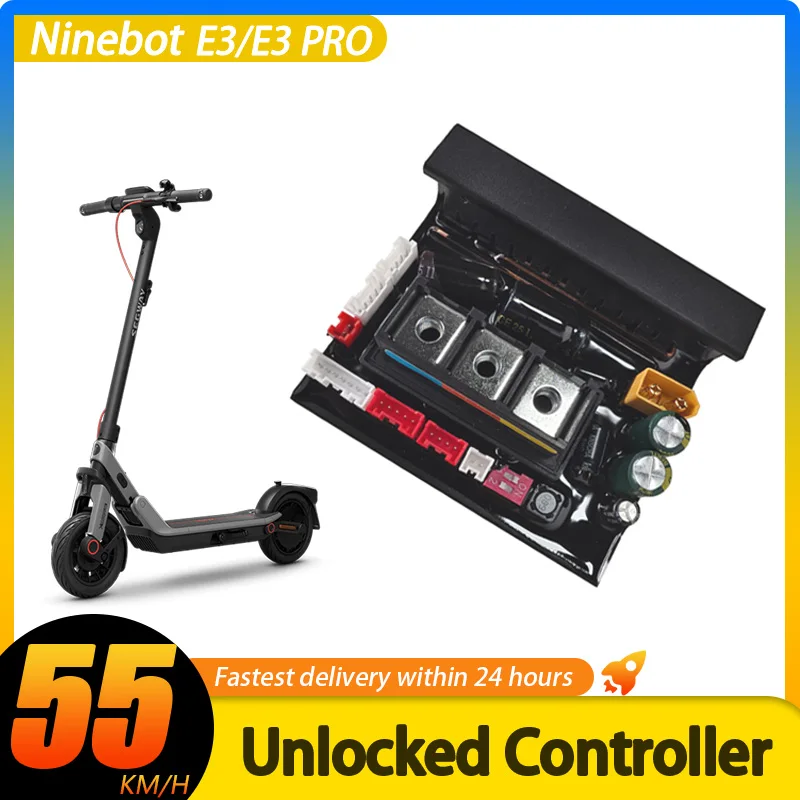
E3 PRO 55km/h Custom Controller Unlimited Speed For Ninebot by Segway E3 Pro Series Scooter 32km/h 55km/h Tuning Speed Part
E3 PRO 55km/h Custom Controller Unlimited Speed For Ninebot by Segway E3 Pro Series Scooter 32km/h 55km/h Tuning Speed Part
SPECIFICATIONS
Applicable People: Men
Board Category: Flat-Plate
Brand Name: NONE
Choice: yes
Compatible models: It is compatible with any version of the Segway E3/E3 PRO scooter worldwide
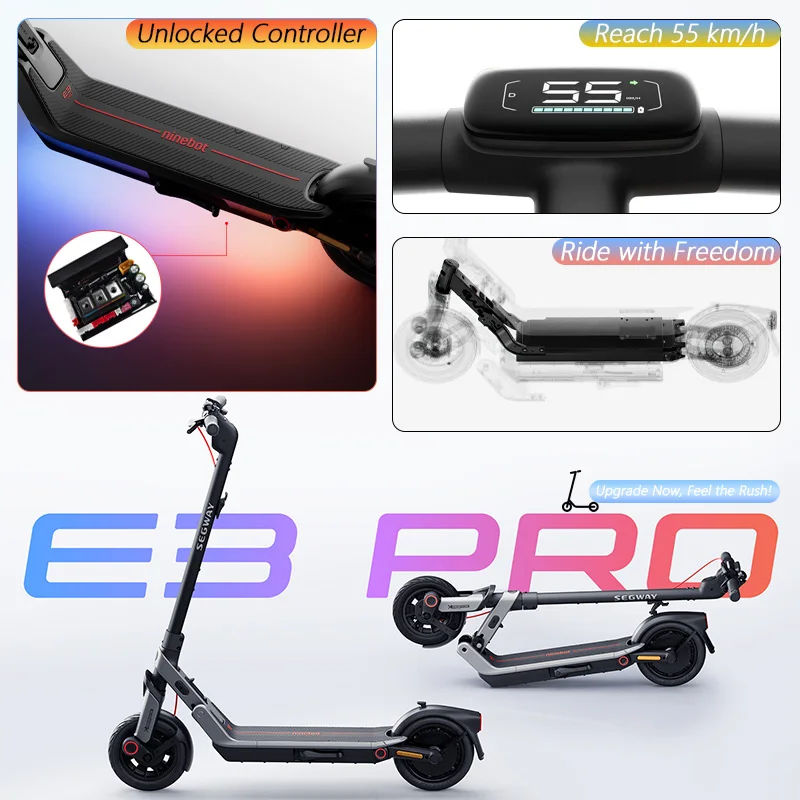
Custom Version No-load max speed: About 55km/h
Does this apply to the EU version of the E3/E3 PRO?: YES
Does this apply to the German version of the E3/E3 PRO?: YES
E3 PRO Series: E3 PROE E3 PROD
E3 Series: E3E E3D
High-concerned chemical: None
Models: E3 E3 PRO Series
Origin: Mainland China
Suit for: E3 Series Scooter
Type: Skateboard Parts
is_customized: Yes
semi_Choice: yes
Important Tips:Please read all the following before order.
Compatibility:
The custom controller is compatible with all Ninebot by Segway E3 / E3 PRO series scooters worldwide, including but not limited to:
E3 D (Germany), E3 PRO D (Germany), E3 E (Europe), E3 PRO E (Europe).And all regional variants of the E3 and E3 PRO series are supported.
1.Custom Unlocked Controller 55km/h Black Premium Version :
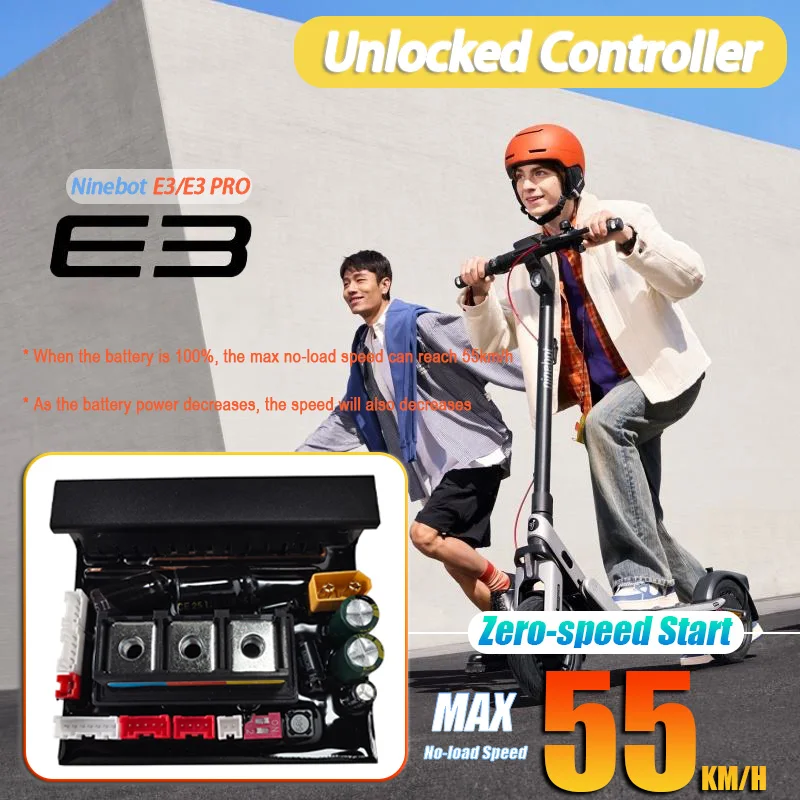
⭐⭐⭐⭐⭐55km Performance - Black Custom Controller
No-load maximum speed (wheel off the ground, battery at 100%): up to 55 km/h.
Typical riding speed is approximately 35–45 km/h.
Actual riding speed varies depending on rider weight, battery level, and riding conditions.In particular, lighter rider weight generally results in a higher achievable top speed.
Important: When testing the maximum speed after the first power-on, please make sure the battery is fully charged before testing.
Feedback based on actual usage is welcome.
1️⃣ Installation & Nineot APP Pairing
After installing the new controller, please do not connect to your old scooter device in the Ninebot App.
The new controller is recognized as a new device.
If you connect to the old device, the app will show "Connection Failed."
Please open the Ninebot App, search for a new device, and pair it again.
After pairing the new controller, everything will work normally.
2️⃣ Firmware Upgrade Compatibility
Fully supports official scooter firmware updates, including:
Bluetooth/Dashboard firmware updates
Battery BMS firmware updates
All upgrade functions work normally without restrictions.
3️⃣ Speed Mode Switching (Core Feature)🔄⭐⭐⭐⭐⭐
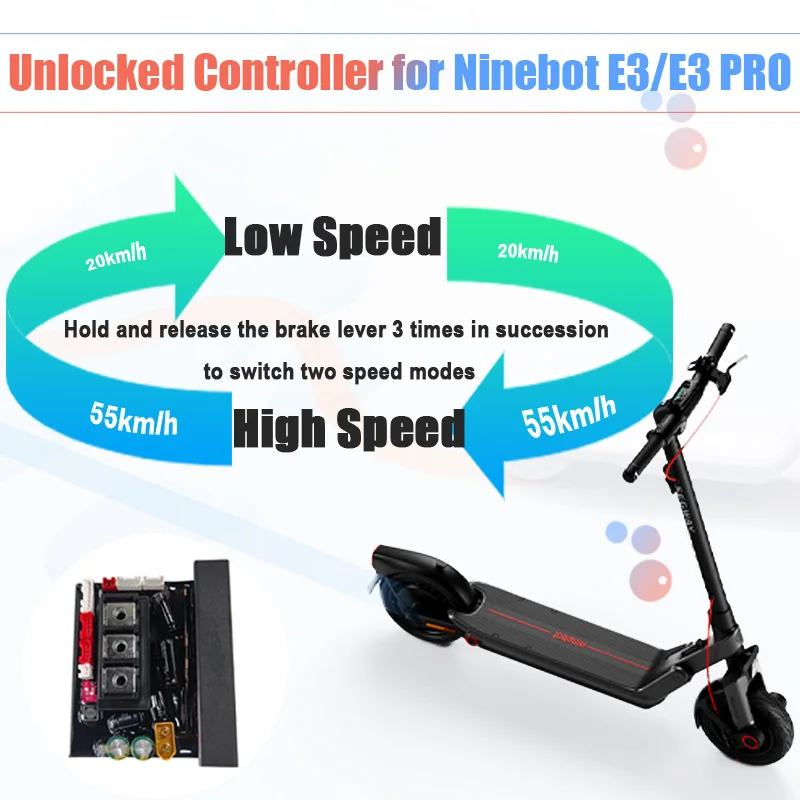
This custom controller features two speed modes: High-Speed Mode and Low-Speed Mode.
After installation, the controller defaults to High-Speed Mode on first power-up.
You can switch between speed modes by quickly pulling and releasing the brake lever four (4) consecutive times.
-
Mode 1: Low-Speed Mode🐢
The display shows “1”, indicating the system has switched to Low-Speed Mode
Maximum speed is limited to 20 km/h
The configuration will take effect immediately after switching modes.
This mode can be used to comply with local traffic regulations and policies
-
Customize the Speed Limit for Mode 1 (Low-Speed Mode)🐢
If you are in Europe and want to change the default Sport Mode speed in Mode 1 (Low-Speed Mode) from 20 km/h to 25 km/h, simply follow these steps:
1.Switch the controller to Mode 1.
2.Open the Ninebot App.
3.Change the Sport Mode speed limit from 20 km/h to 25 km/h in Ninebot App
4.Switch the controller to Mode 2.
The controller will automatically save your new speed setting into Model 1.
The next time you switch back to Mode 1, the Sport Mode speed limit will remain 25 km/h instead of the default 20 km/h.
-
Mode 2: High-Speed Mode⚡
The display shows “2”, indicating the system has switched to High-Speed Mode
The configuration will take effect immediately after switching modes.
-
Customize the Speed Limit for Mode 2 (High-Speed Mode)⚡
You can also customize the speed limit for Mode 2 (High-Speed Mode) using the same method.
For example, if you want to reduce the default speed limit from 55 km/h to 35 km/h:
1.Switch the controller to Mode 2.
2.Open the Ninebot App.
3.Change the Sport Mode speed limit from 55 km/h to 35 km/h.
4.Switch the controller to Mode 1.
The controller will automatically save your new speed setting into Mode 2
The next time you switch back to Mode 2, the Sport Mode speed limit will remain 35 km/h instead of the default 55 km/h.
⭐️This dual-mode system is a core optimization of the entire scooter control system.
Please read this section carefully and use it appropriately.
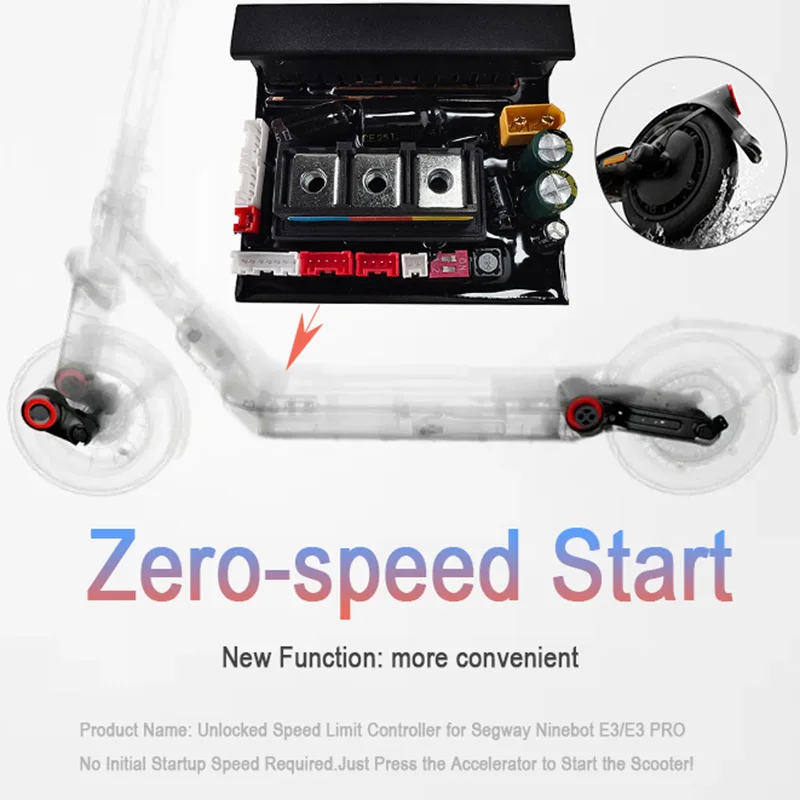
4️⃣ Zero-Speed Start (High-Speed Mode)
In High-Speed Mode, zero-speed start is enabled.
An initial speed of 3 km/h is no longer required.
To prevent accidental throttle activation, a minimal trigger speed of 0.0001 km/h is still required.
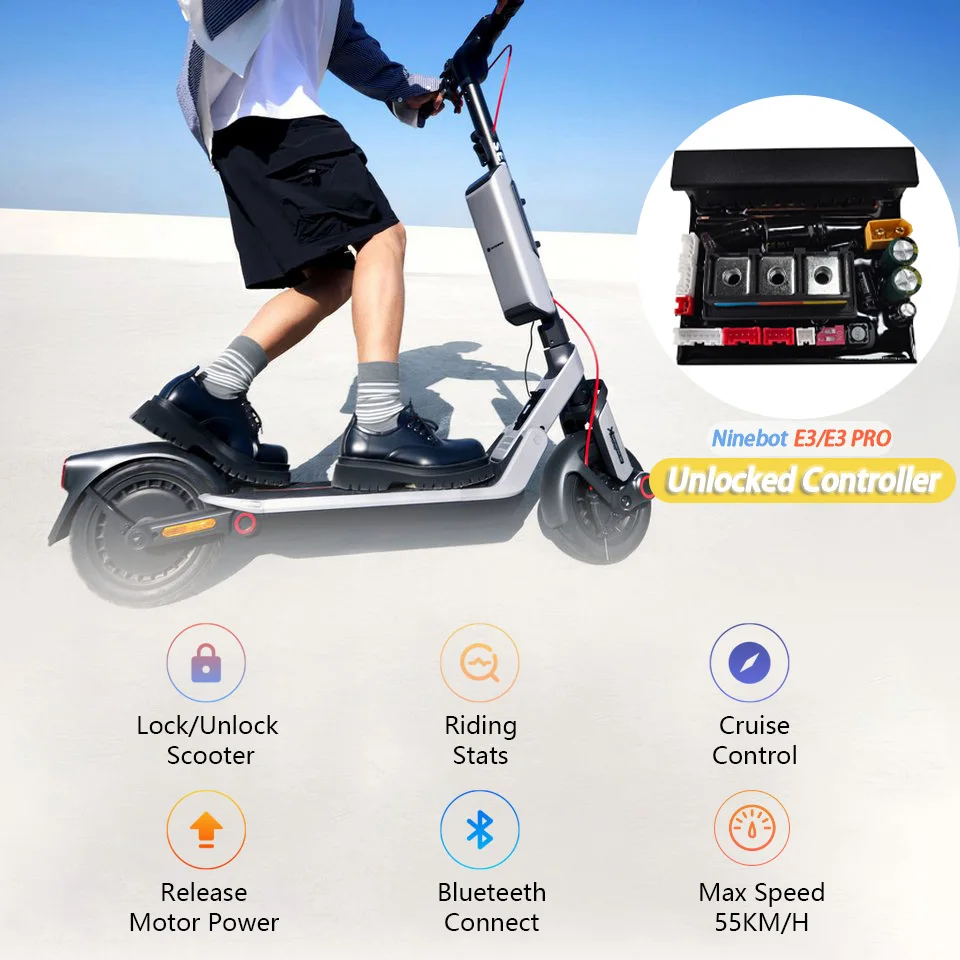
5️⃣ Cruise Control & App Functions
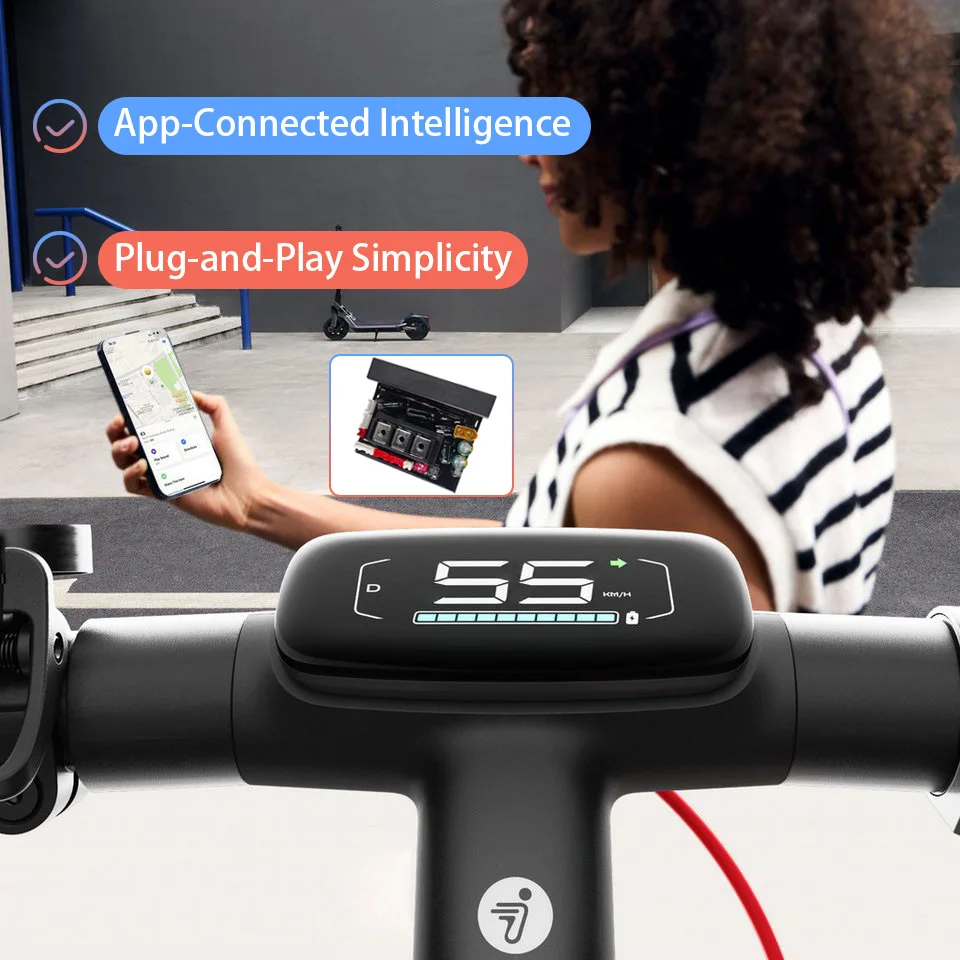
Cruise control is fully supported and can be configured directly in the Ninebot-Segway App.
All other app functions remain fully operational, including:
Taillight settings
Scooter lock settings
Ambient lighting settings
Apple Find My (Requires the original dashboard.)
Please note:
In High-Speed Mode, the start behavior is fixed to zero-speed start.
User's Summary:
In any case, the original controller must be replaced with this custom controller, which delivers the complete E3 PRO riding experience.
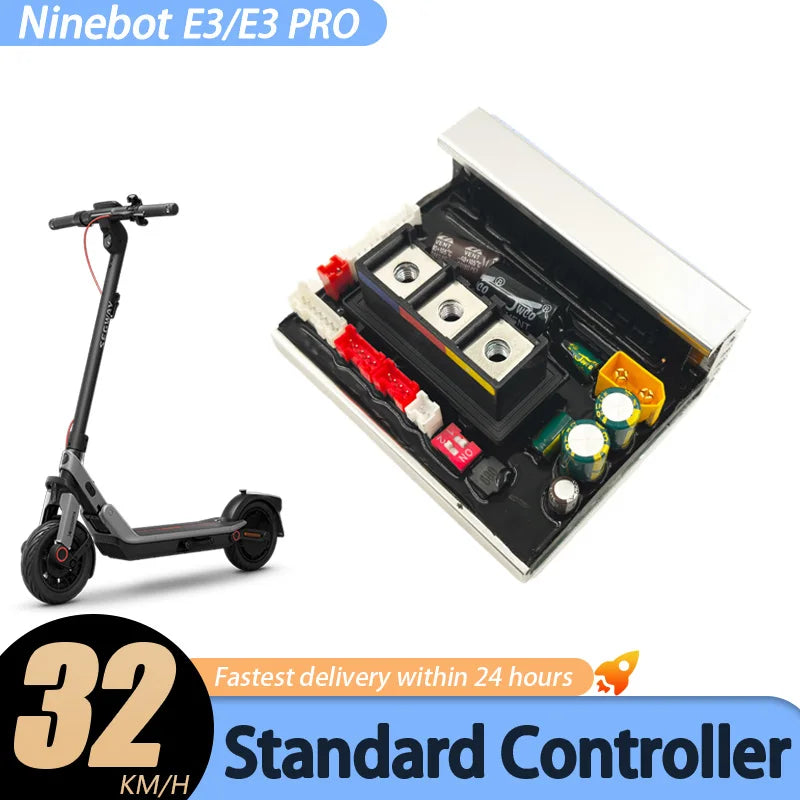
2.Standard Controller 32km/h Version:
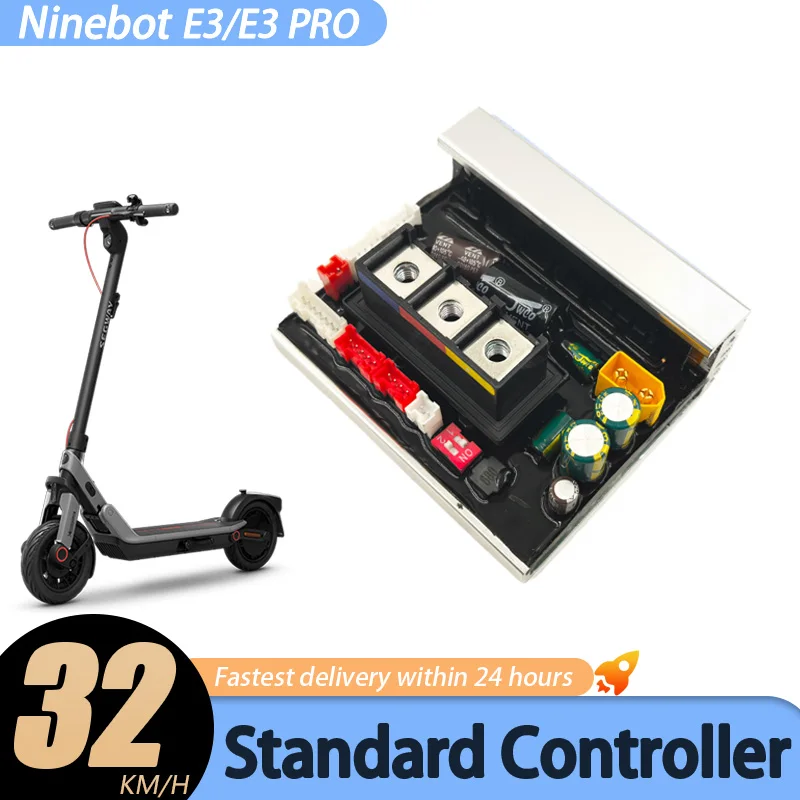
⭐⭐⭐ 32km Standard - Silver Controller
Maximum speed increased to 32 km/h.
Zero-speed start is not supported, and speed mode switching is not available.
It's similar to your current controller, only the speed is increased to 32 km/h.
For users seeking enhanced performance, additional features, and the flexibility to adapt to local traffic regulations, the 55 km/h version is recommended.
Product introduction complete. Below are product promotional images.
Product features
Product features
Materials and care
Materials and care
Merchandising tips
Merchandising tips


Total items
Product subtotal