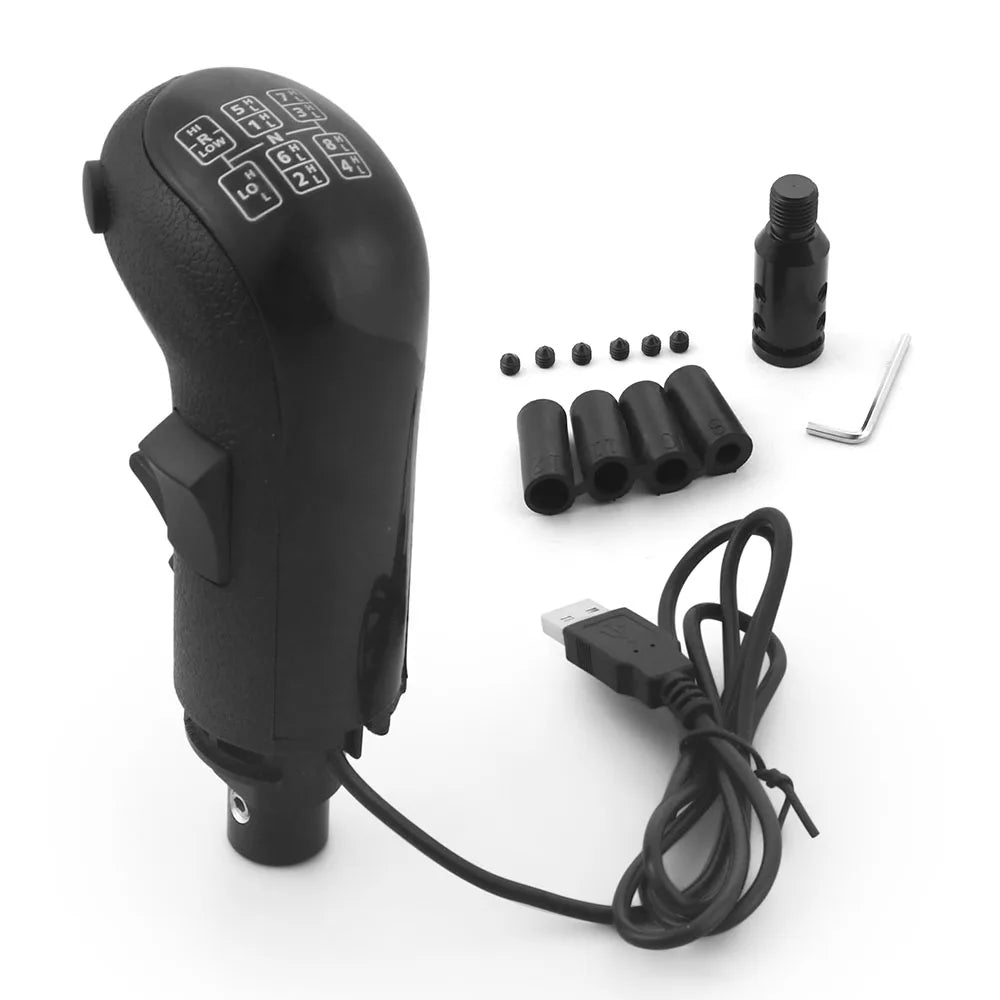
Left Hand USB Truck Simulator Shifter Knob for Logitech G923 G29 G27 G25 TH8A for ETS2&ATS Euro Truck High Low Gear Simulator
Left Hand USB Truck Simulator Shifter Knob for Logitech G923 G29 G27 G25 TH8A for ETS2&ATS Euro Truck High Low Gear Simulator
SPECIFICATIONS
Brand Name: Dynoracing
Choice: yes
High-concerned chemical: none
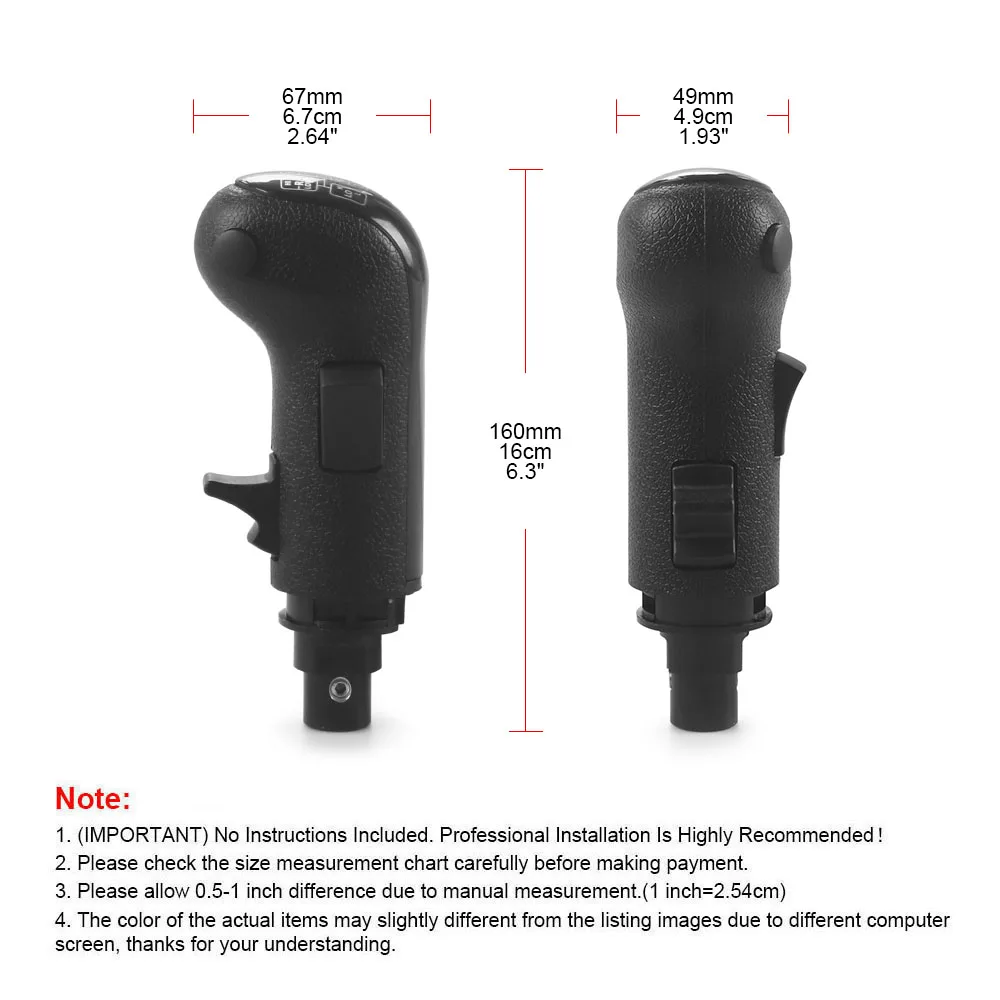
Item Height: 6.3
Item Type: Gear Shift Knob
Item Weight: 0.36
Item Width: 2.64
Material: ABS+METAL
Model Name: BX103119
OEM NO.: BX103119
Origin: Mainland China
Product Type: Modified Parts
Special Features: Left Hand USB Truck Simulator Shifter Knob
Year: ALL

FEATURES: Left hand drive
Type: USB Gaming Shift Knob LHD
Material: Plastic
Color: Black
--- 100% Brand New and Never Used or Installed
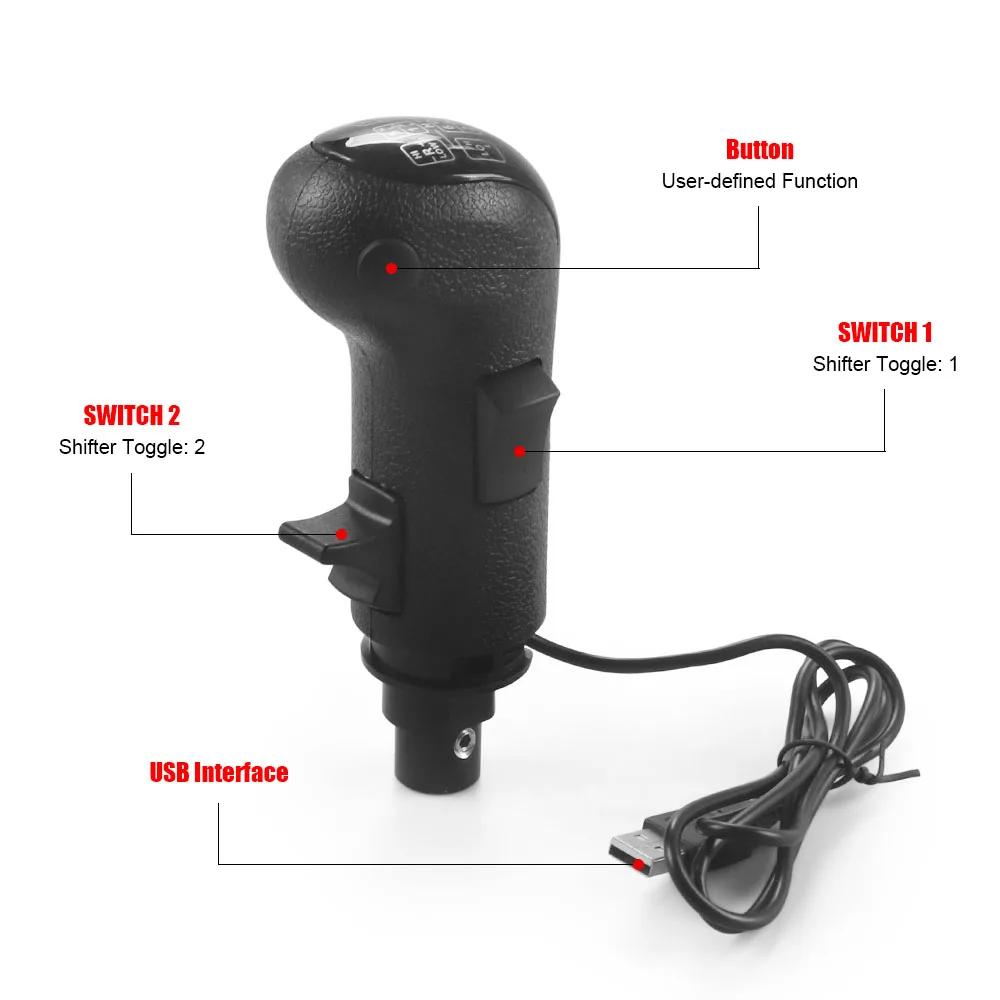
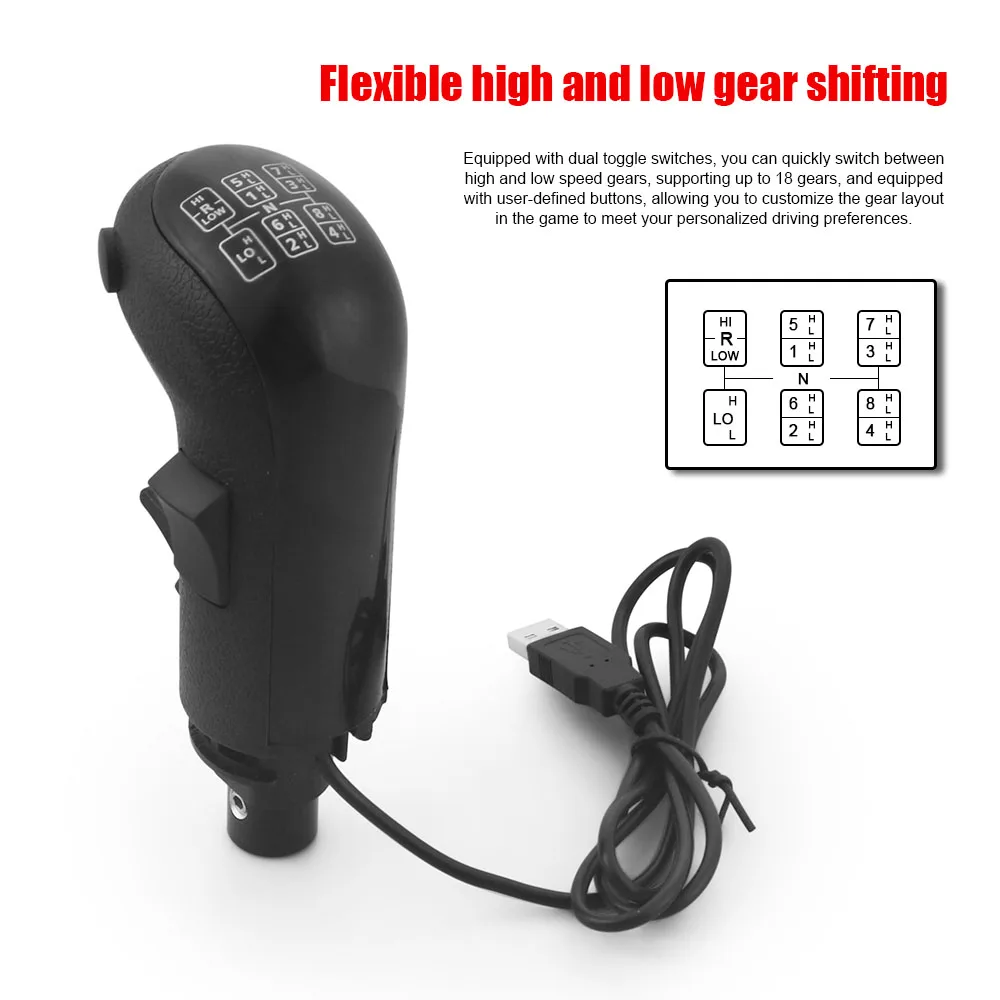
--- Offer any number of gears up to 18. it is a 3 switches knob.
--- The third switch can be used for a easy brake jake or other function.
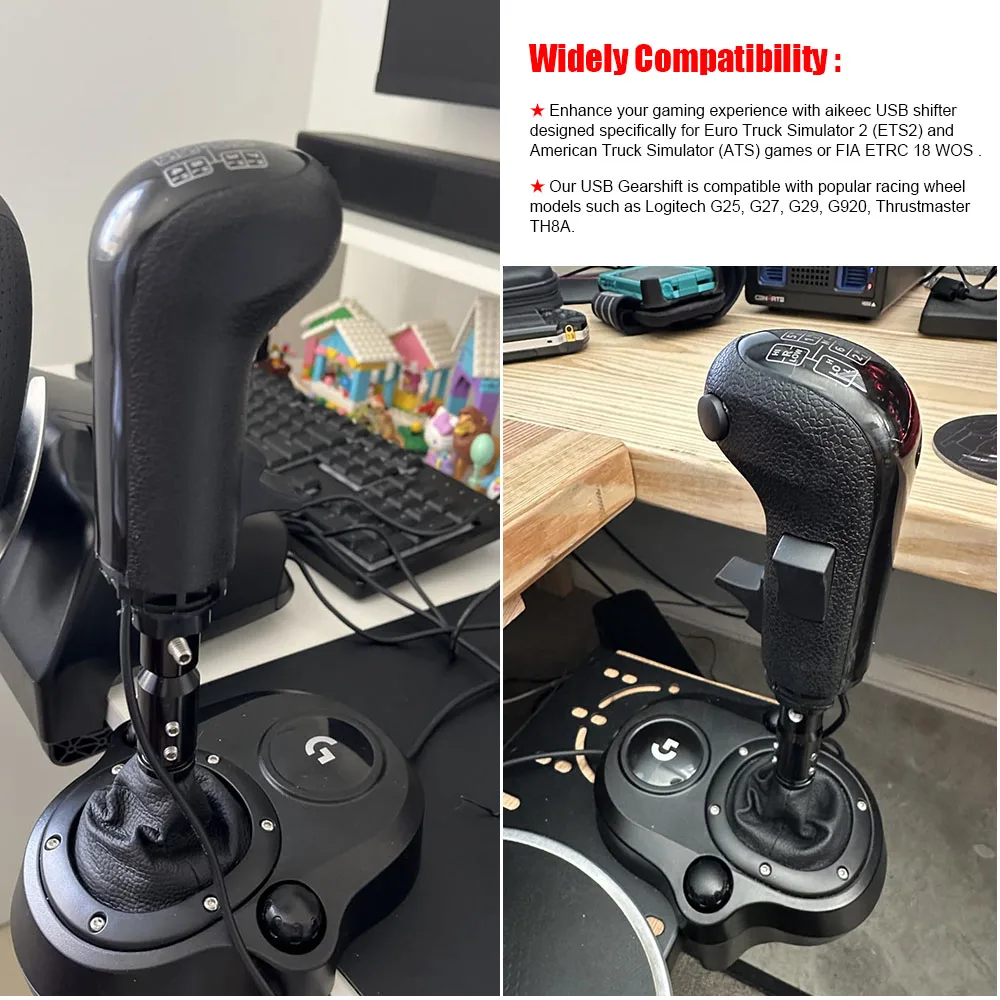
--- Flexible high / low gear switching. The Gearshift high and low gear handball head, suitable for players who modify G25 / G27 / G29H TH8A gear ETS2 & ATS, can be used as a switch to quickly switch between high and low gears, including two switchers, up to 18 gears and a custom setting button for free setting.
--- USB Plug and Play Independent USB cable, plug and play, easy to install.
FITMENT:
Fit for Logitech G25, G27, G29, G920 Manual Gear / Thrustmaster TH8A Gear / FANATEC SQ PXN A10 Gear Manual Shifter.
Only Applied to ETS2& ATS games.
If you use it with an American or European Truck simulator, just select the knob in the game setting.
This can also be used with Bus Driver, Farm Expert, Farming Simulator and few other simulation games.
Setting:
Open the ETS2 / ATS game settings: option → Controls
(Keyboard→Select add joystick controller name) →Transmission H-Shifter
→Shifter layout (Eaton Fuller 10/13/18 speeds)
→Shifter Toggle:1 Joy Button 1→Shifter Toggle:2 Joy Button 2
→Shifter Toggle use Switch Mode √
PACKAGE INCLUDED:
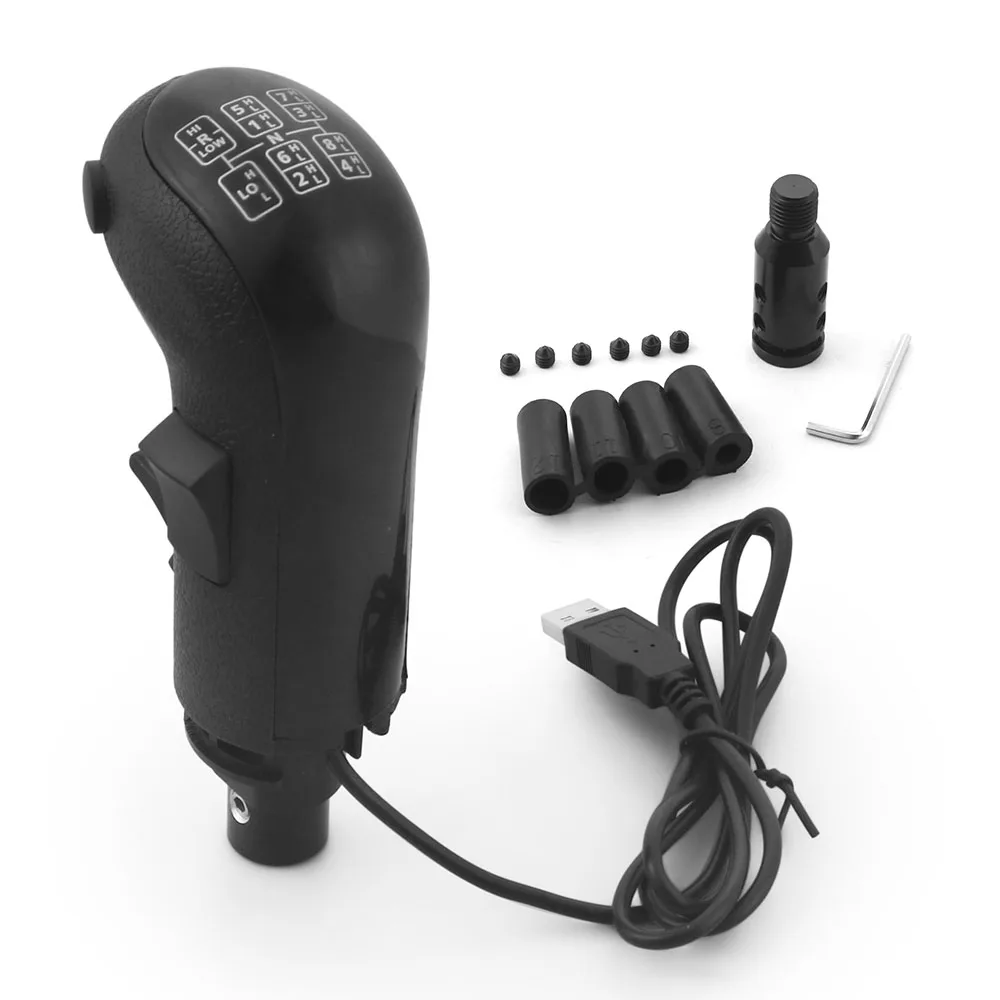
1 x Shift Knob
4+1 x Adapter
1 x Wrench Tool
6 x Screws
All accessories in the picture are included.
Basic Settings
First plug the device into the computer.After entering the game ,the following prompt will pop up,please click "Ignore".

Product features
Product features
Materials and care
Materials and care
Merchandising tips
Merchandising tips