


Mini PC SOYO M5 Mini AMD Ryzen 3 4300U LPDDR4 16GB RAM 512GB ROM Wifi 5 BT5.0 Windows 11 Pro Desktop Computer
Mini PC SOYO M5 Mini AMD Ryzen 3 4300U LPDDR4 16GB RAM 512GB ROM Wifi 5 BT5.0 Windows 11 Pro Desktop Computer
SPECIFICATIONS
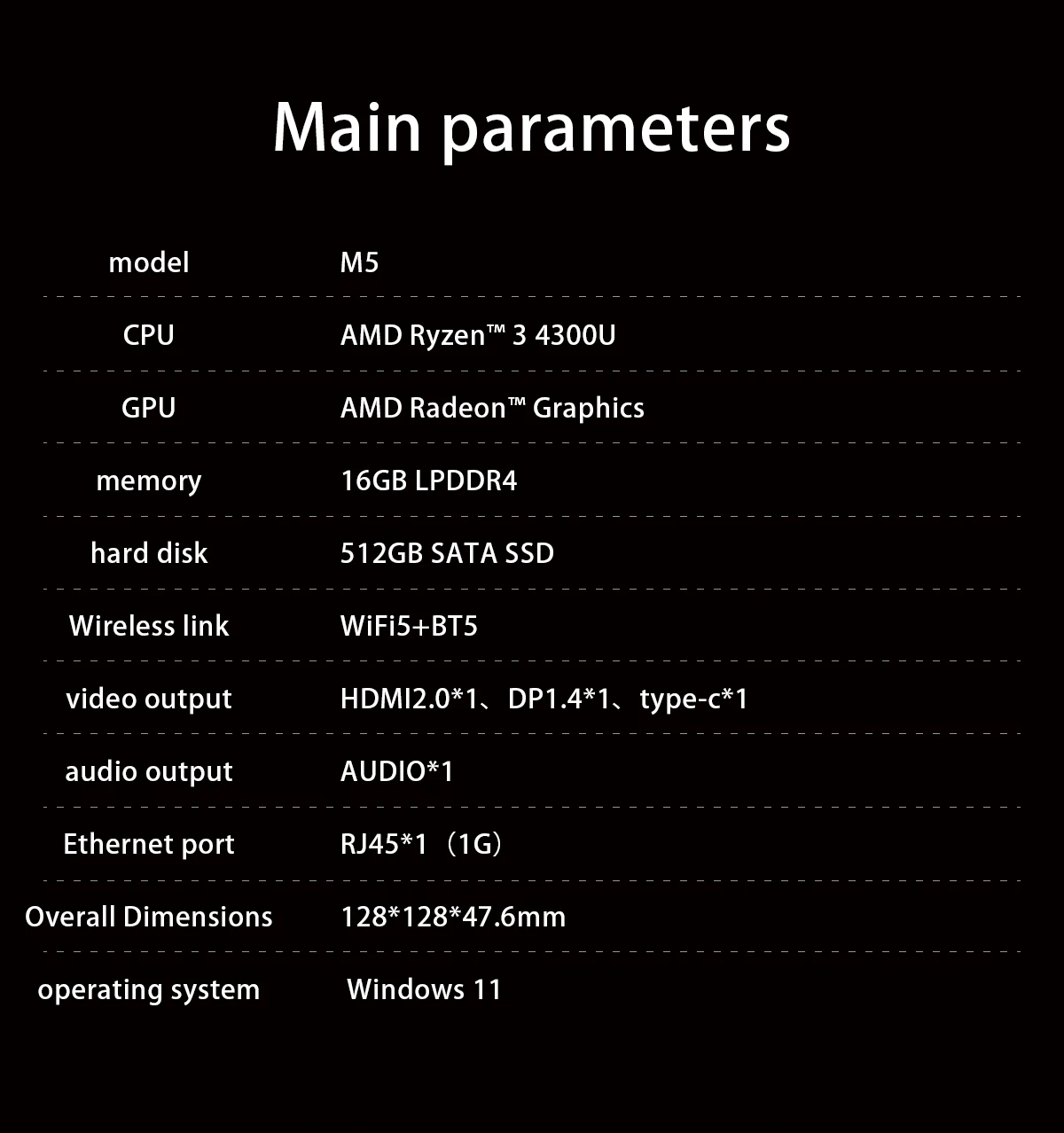
Brand Name: SOYO
Certification: CE,FCC,UL
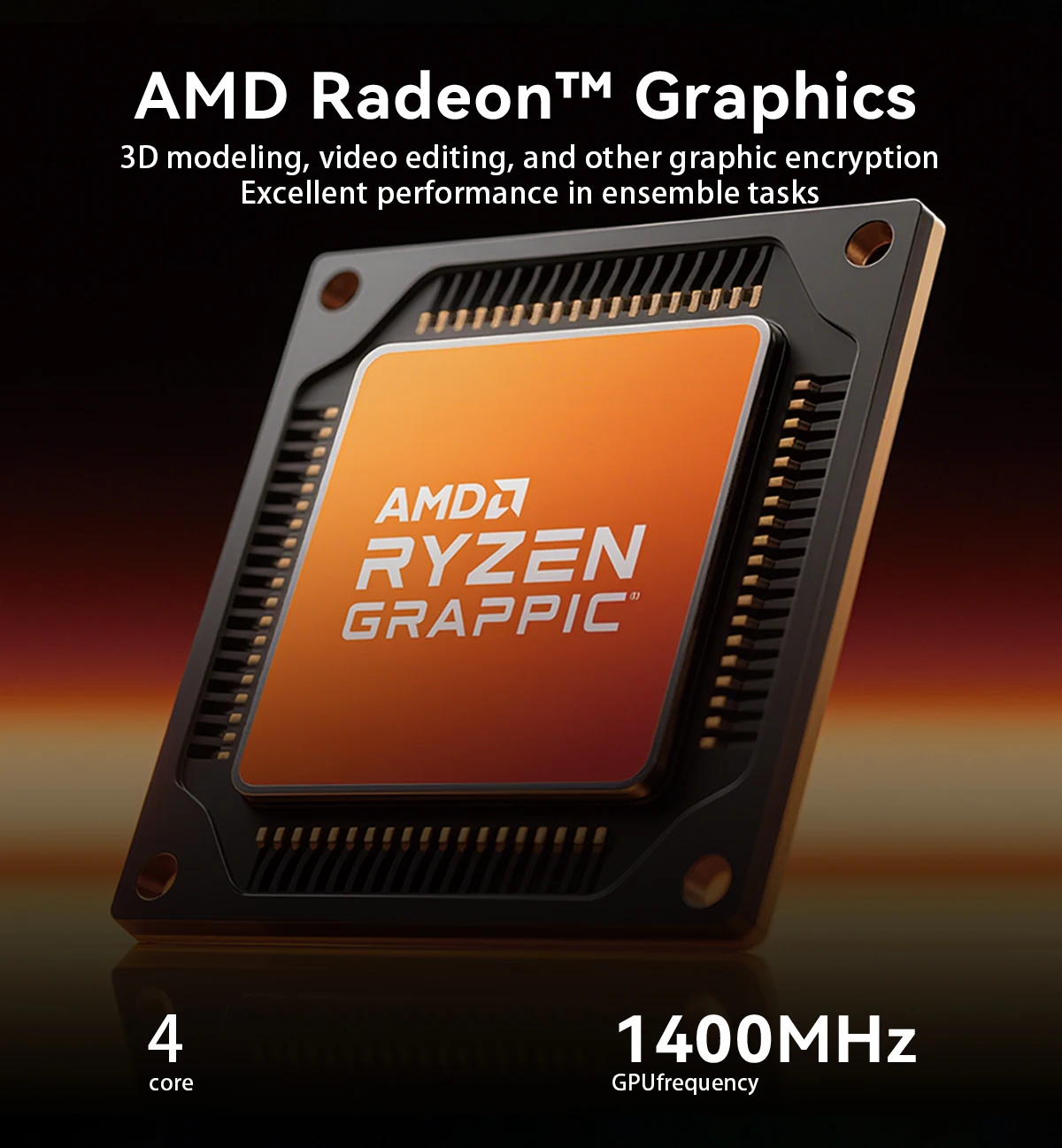
Graphics Card Type: Integrated Card
Hard Drive Capacity: 512GB
Memory Capacity: 16 GB
Model Number: M5
Origin: Mainland China
Processor Brand: AMD
Processor Model: Ryzen 3 4300U
Type: Mini Desktop,Mini PC
Use: Household
Windows 11 Pro Operating System
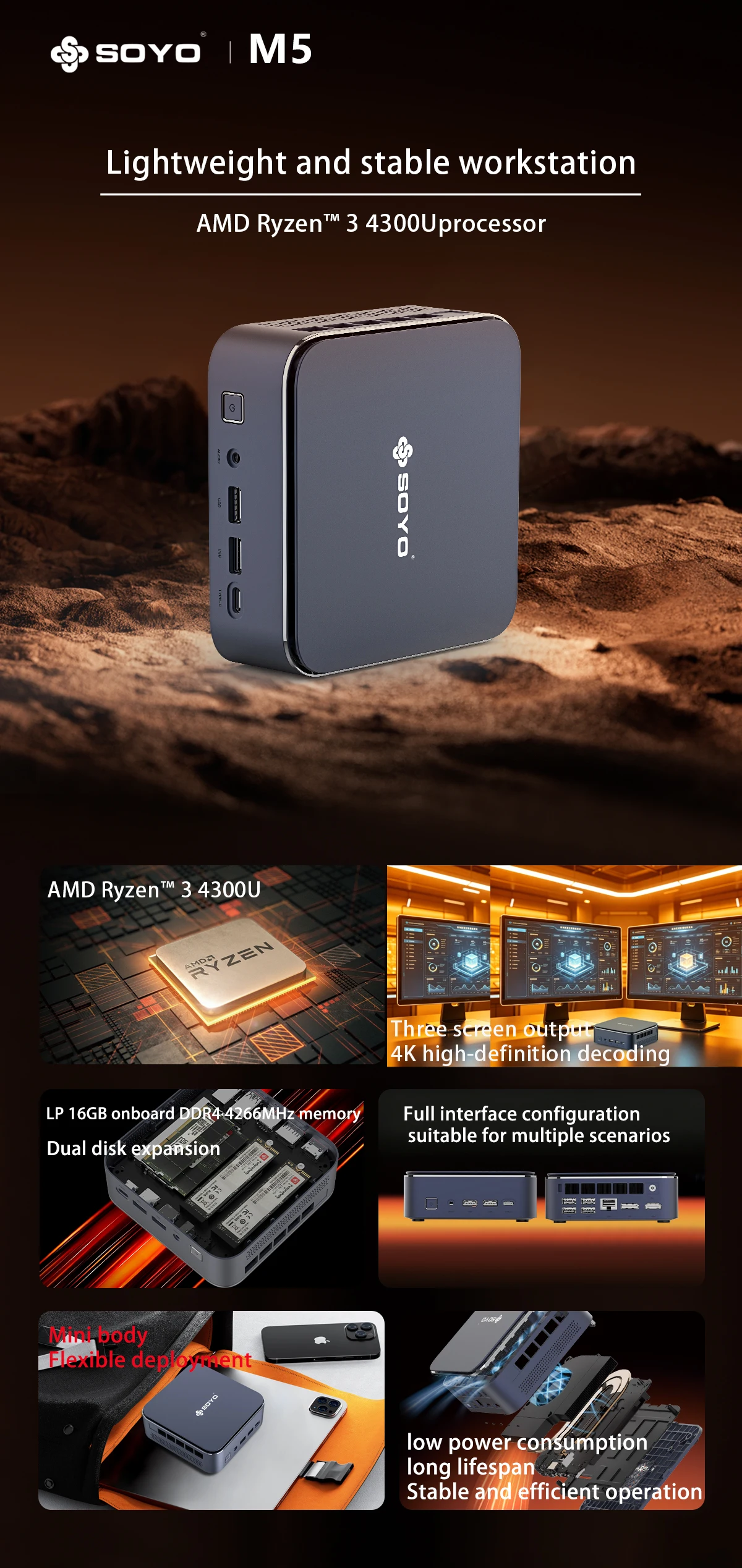
Running on the robust Windows 11 Pro, this Mini PC delivers a professional and user-friendly computing experience.
WiFi 5 & BT5.0 Connectivity
Equipped with WiFi 5 and BT5.0, this Mini PC offers fast and reliable wireless connectivity options.
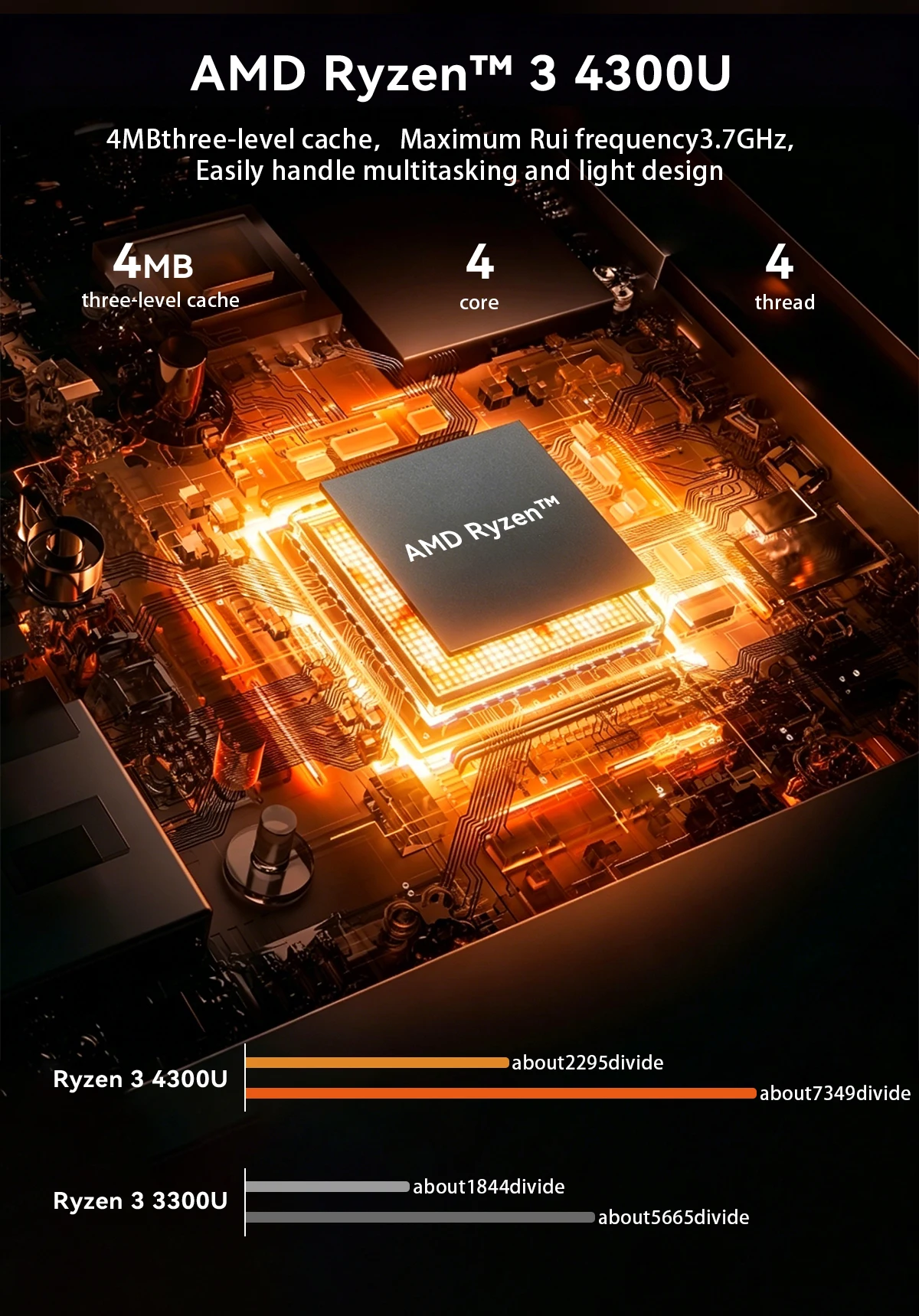
AMD Ryzen 3 4300U Processor
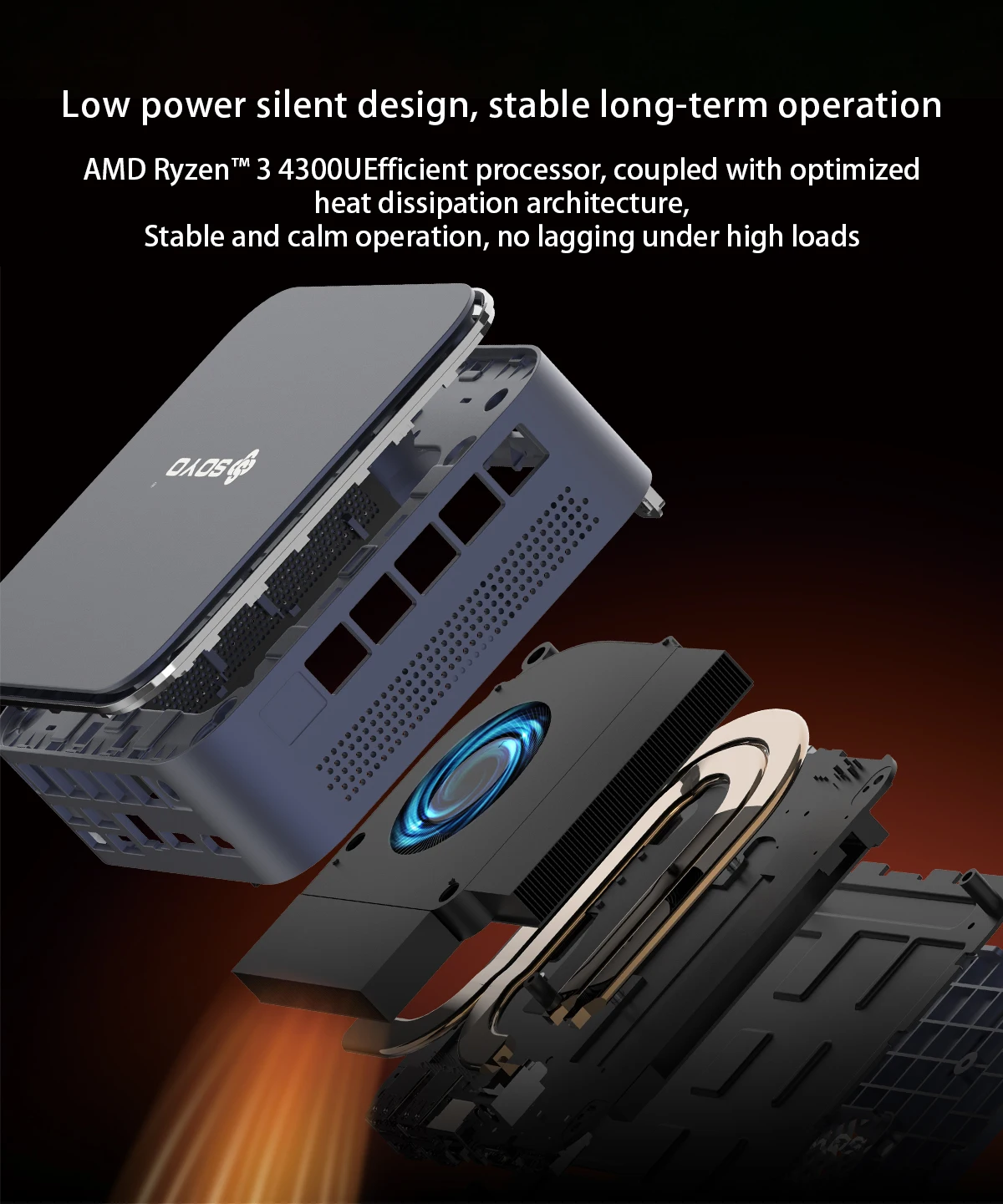
Powered by the efficient AMD Ryzen 3 4300U, this Mini PC offers smooth performance for everyday tasks.
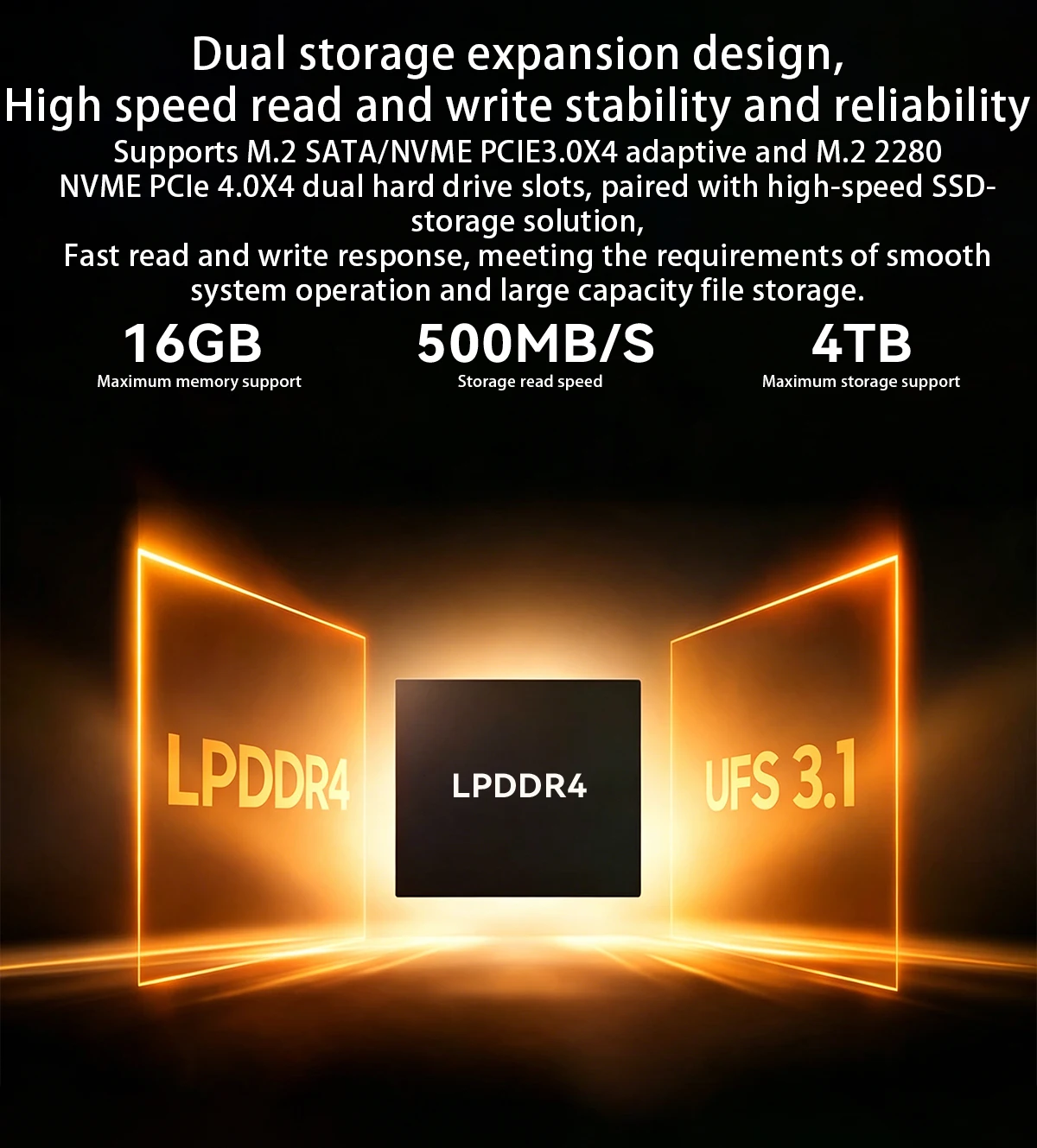
512GB ROM
Boasting a generous 512GB ROM, this Mini PC provides ample storage for your files and applications.
16GB LPDDR4 RAM
With 16GB of LPDDR4 RAM, this Mini PC ensures quick data processing and multitasking capabilities.
Tip:This product comes with Windows 11 Pro pre-installed, and all drivers are configured specifically for Windows 11 Pro.
If customers choose to replace the operating system with Linux/Ubuntu, they will need to resolve any driver issues independently.
Q&A
Q: Don't turn on?
A: 1.Make sure the AC power adapter is connected to the computer and ithe power cable plugis plugged into a working power outlet.
2.The computer has been started (press the power button again to confirm whether it is started normally).
Q: When the computeris started,nothing is diasplayed?
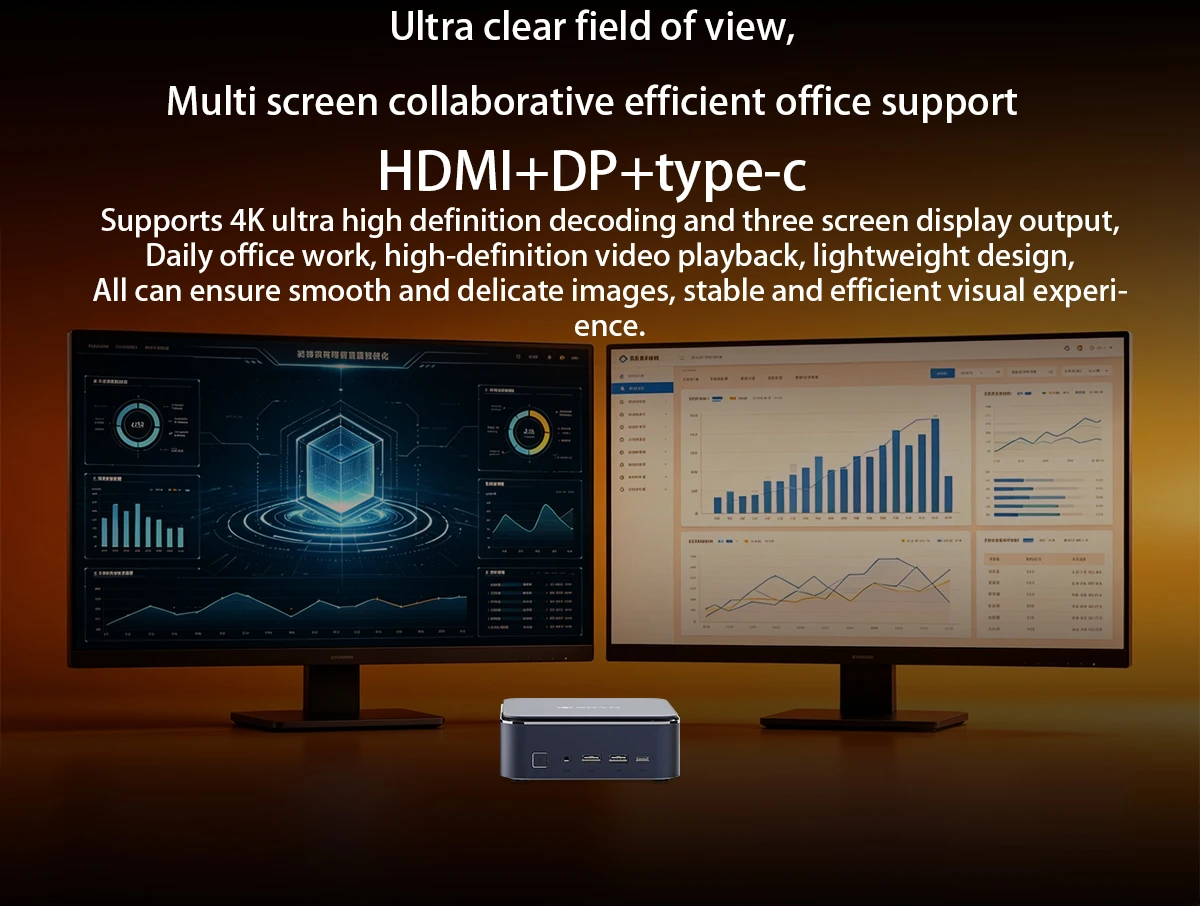
A: 1.Check whether the HDMI and DP cables are properly connected diasplayed.
2.Check that the diaplay input mode is correct.
Q: A blank screen appears when the computer is running?
A: 1.Check whether the device is in hibernation mode by viewing the appears when the power
indicator status. Press the power button to wake up computer is running.
2.Check whether the monitor sleeps.
Q: Computer unrespensive?
A:1. To force off, press and hold the power button and turn it on again.
2.Check whether the monitor sleeps.
Q: There is no sound from the speaker or headset?
A:1.Check whether the mute function is disabled.
2. To check speakers or earphones are selected as playback
Q: Why is my web browsing or online video playback slow?
A: This mainly depends on your broadband internet speed.
Q: How do I enter the BIOS?
A: The shortcut key to enter the BIOS on this mini PC is Delete, press "Delete" quickly and repeatedly when rebooting to enter the BIOS.
caveat
·Product pictures and display contents on the foregoing pages are provided for reference only.Actual product feature
es and specifications(including but not limited to appearancecolourand size),as well as actual
display contents(including but not limited to backgroundsUland icons may vary.
·All data in the foregoing pages are theoretical values obtained by SOYOlaboratories through tests carried out under
particular conditions.For more information,refer to the aforementioned product details. Actual
data may vary owing to differences in individual products,software versions,application conditions,and environme
ntal factors. All data is subject to actual usage.
·Our company reserves the right of final interpretation.
Product features
Product features
Materials and care
Materials and care
Merchandising tips
Merchandising tips


Total items
Product subtotal