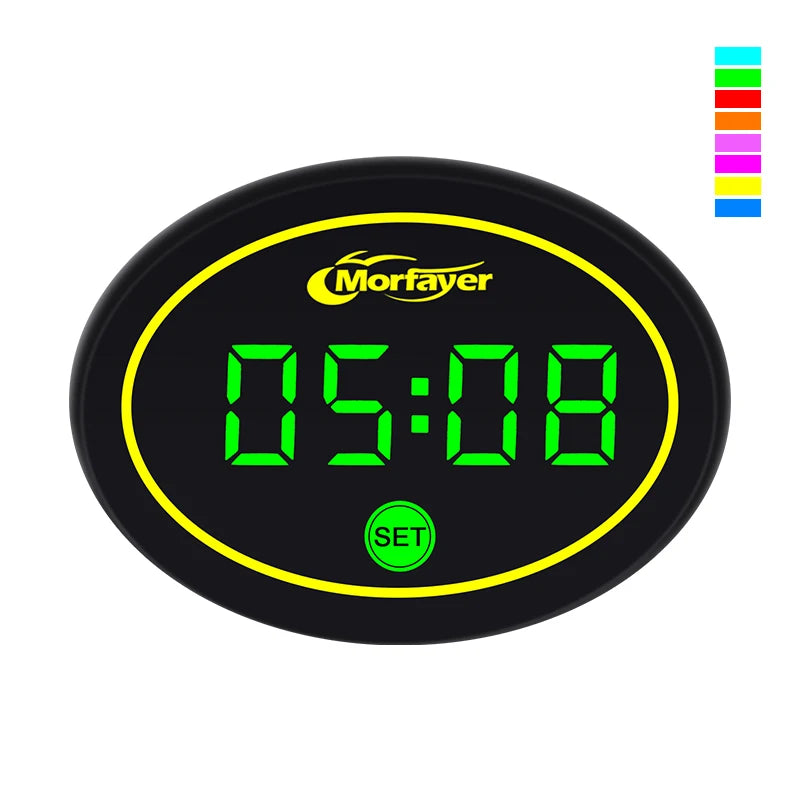
New Model Fashion Multi-functional 4-in-1 Motorcycle Touch Screen Voltmeter TIME TEMPERATURE With RGB
New Model Fashion Multi-functional 4-in-1 Motorcycle Touch Screen Voltmeter TIME TEMPERATURE With RGB
SPECIFICATIONS
Brand Name: NONE
Choice: yes
Country/Region of Manufacture: China/Guangzhou
High-concerned chemical: none
Item Height: 4
Item Length: 15
Item Weight: 50g
Item Width: 10
Material: PC
Origin: Mainland China
Special Features: motorcycle voltmeter
100% NEW AND FULL AND HIGH QUALITY!
2 times full testing before pack,please feel free to purchase.
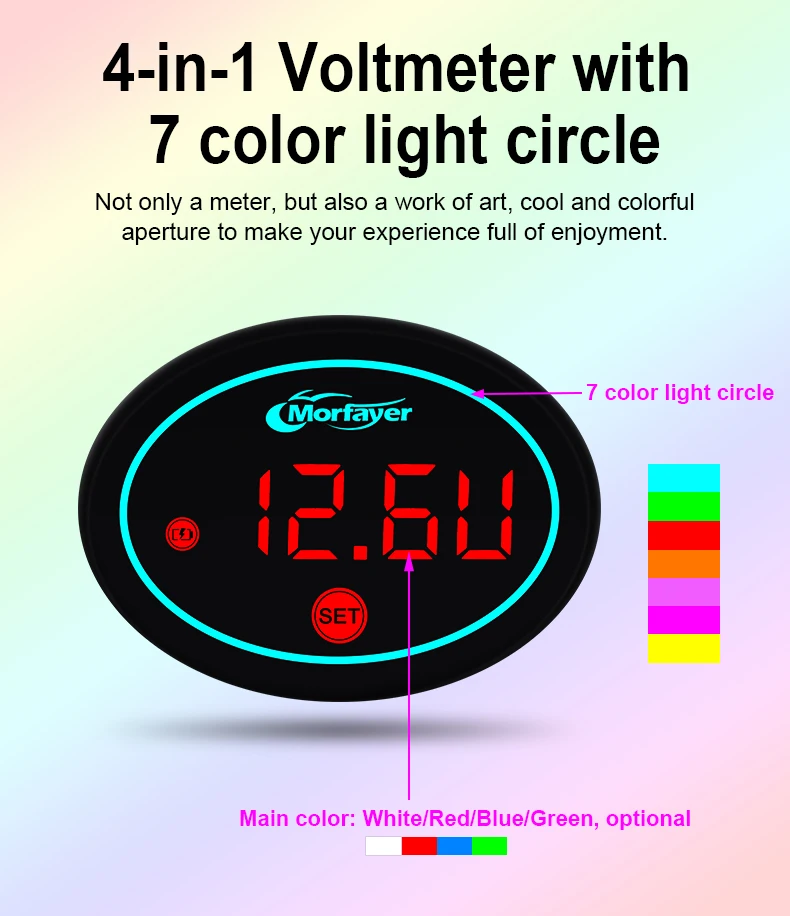
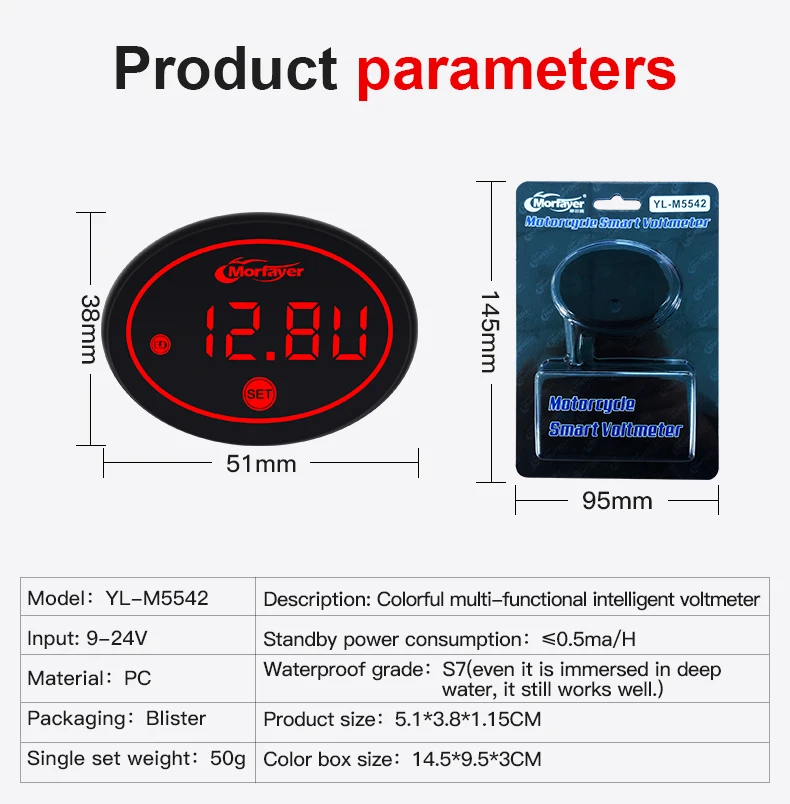
Description:4-in-1 motorcycle voltmeter with 7 color ring
Option choice:there are 4 option,please choose what you need.
Item No.:YL-M5542
Product weight:70G
Product body color:black
Material:PC
Led color:red,blue,white,green,with RGB color circle as photo showed.
Voltage:9-24V
Function:monitor time,voltage,temperature,stopwatch
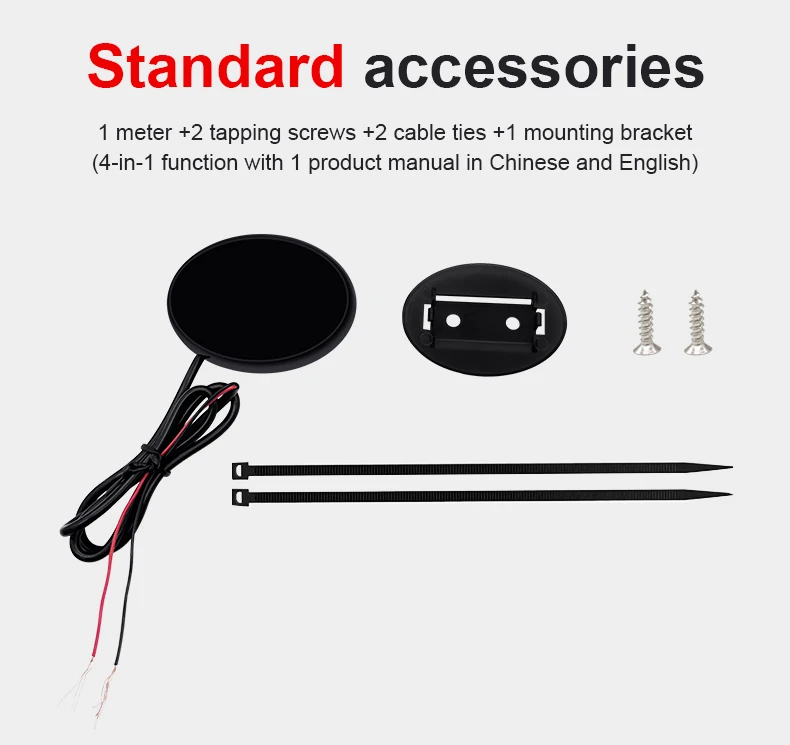
2 installation way for you:handlebar/dashboard
Universal for 12 motorcycles
Wiring method:red connects +,blue is for main switch,white is for connects -
Multi-fuctional wiring method:red wire is for "+",blue wire is connecting on main switch wire,white wire is for"-".
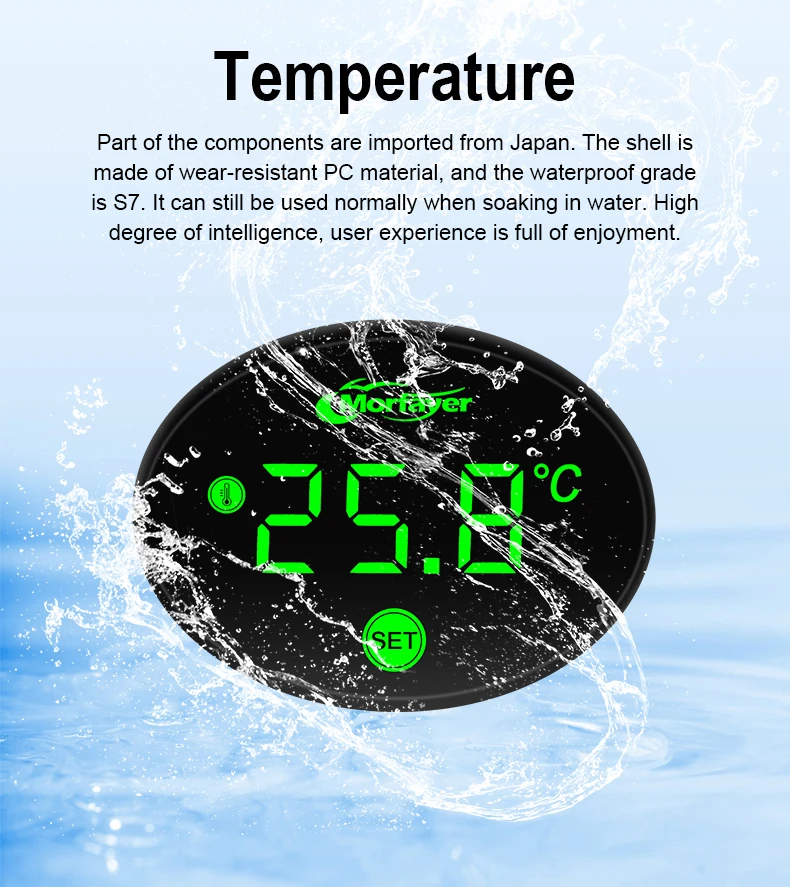
Waterproof:Yes,even it is emmerced in water,it still works very well.
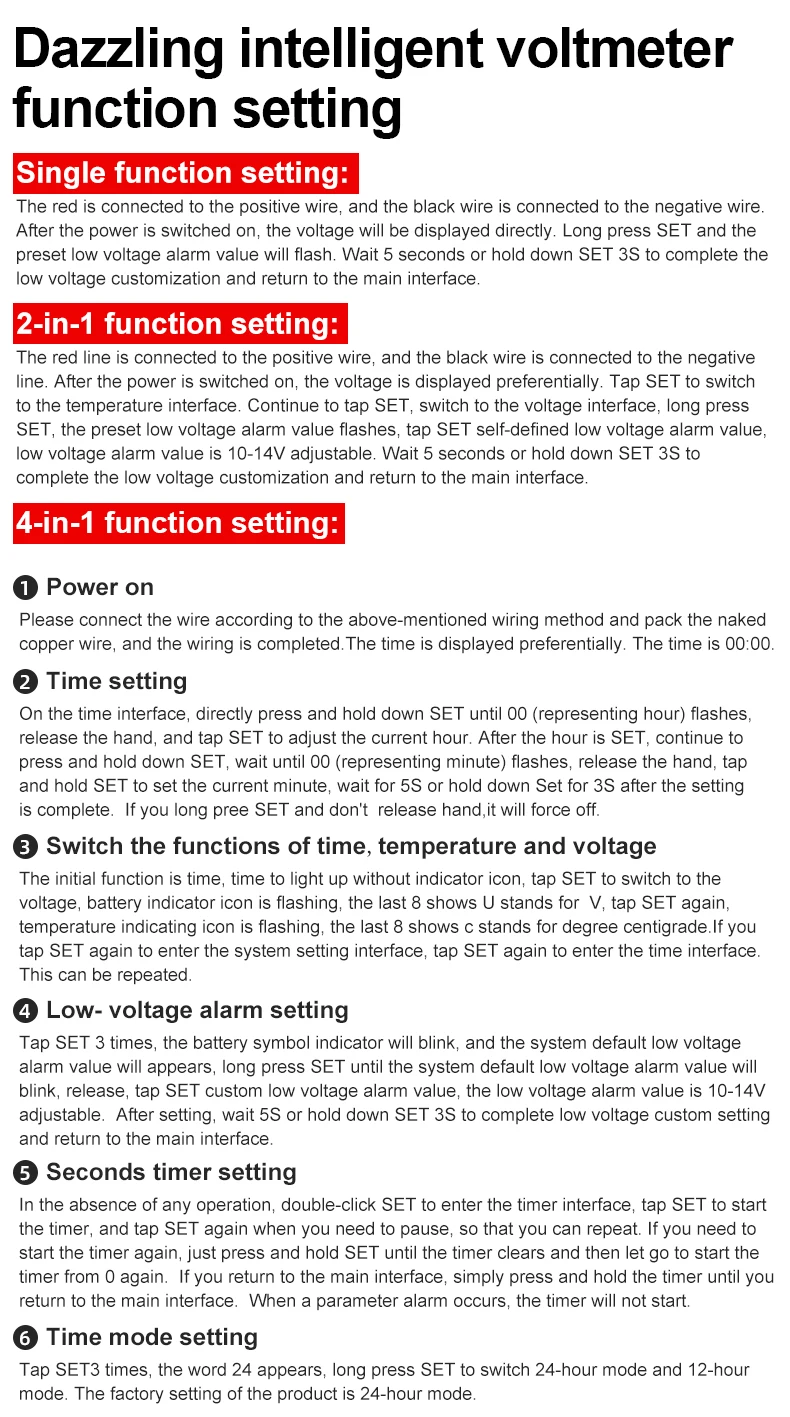
4-in-1 function setting:
Power on:
Please connect the wire according to the above-mentioned wiring method and pack the nakedcopper wire, and the wiring is completed.The time is displayed preferentially. The time is 00:00
2.Time setting
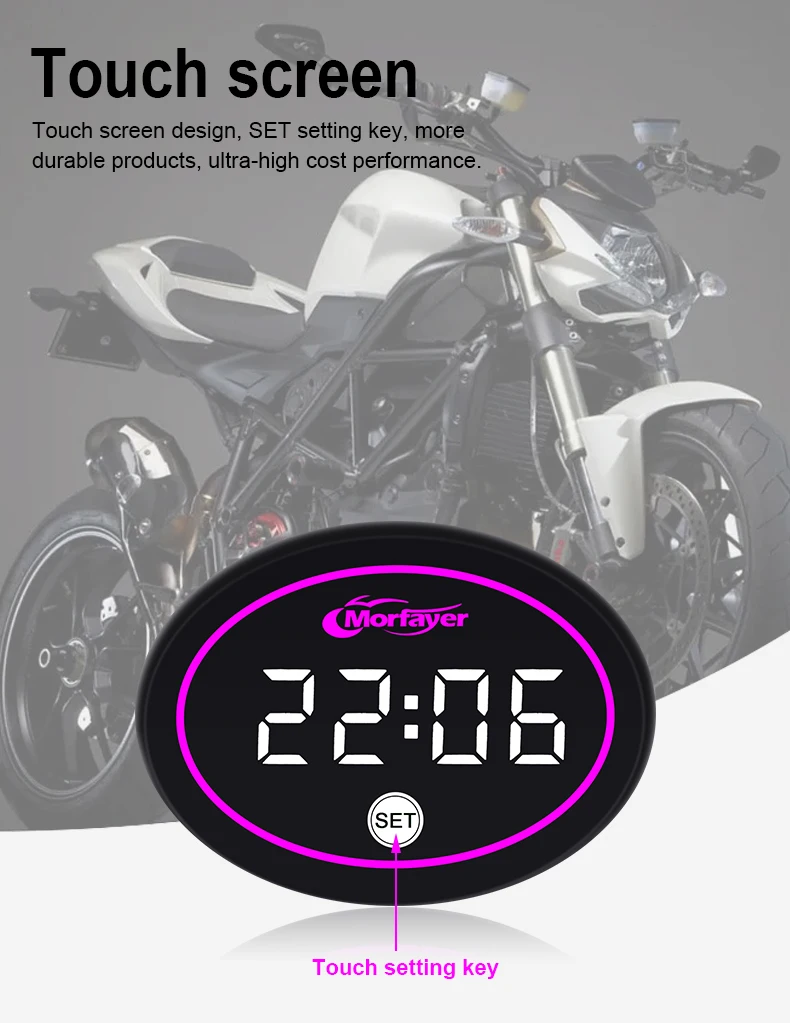
On the time interface, directly press and hold down SET until 00 (representing hour) flashesrelease the hand, and tap SET to adiust the current hour. After the hour is SET, continue topress and hold down SET, wait until 00 (representing minute) flashes, release the hand. tarand hold SET to set the current minute, wait for 5S or hold down Set for 3S after the settingis complete. lf you long pree SET and don't release hand,it will force off
3.Switch the functions of time, temperature and voltageThe initial function is time, time to light up without indicator icon, tap SET to switch to thevoltage, battery indicator icon is flashing, the last 8 shows U stands for V, tap SET again,temperature indicating icon is flashing, the last 8 shows c stands for degree centigrade.lf youtap SET again to enter the system setting interface, tap SET again to enter the time interfaceThis can be repeated.
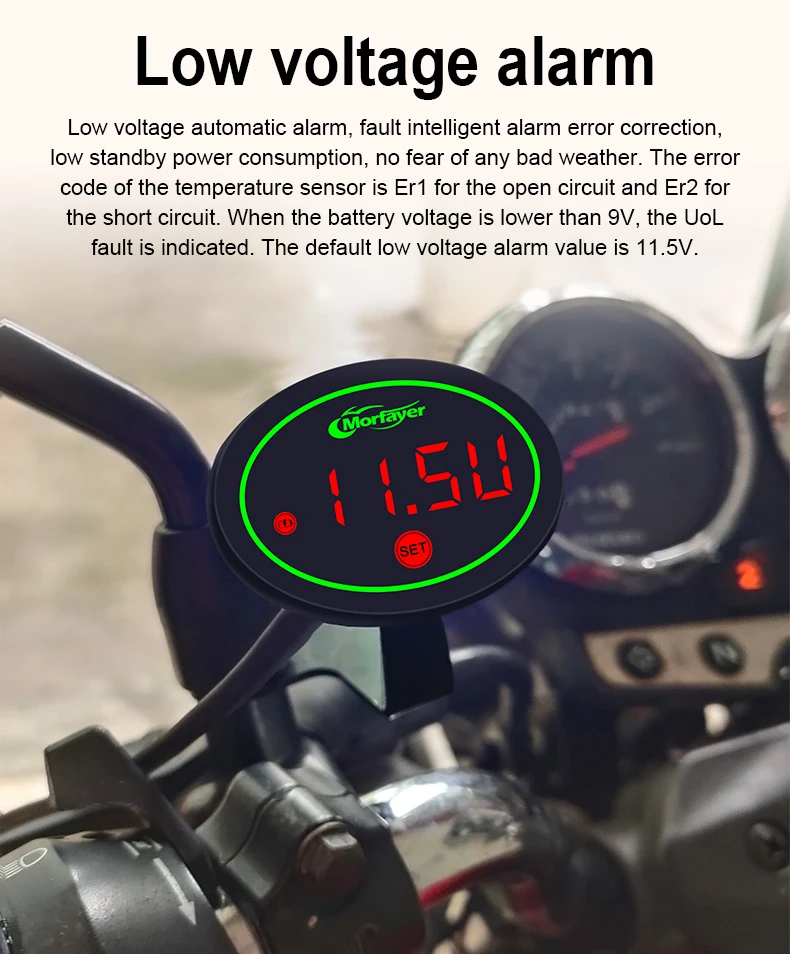
4.Low- voltage alarm settingTap SET 3 times, the battery symbol indicator will blink, and the system default low voltagealarm value will appears, long press SET until the system default low voltage alarm value willblink. release. tap SET custom low voltage alarm value. the low voltage alarm value is 10-14Vadjustable. After settinq, wait 5S or hold down SET 3S to complete low voltage custom settingand return to the main interface.
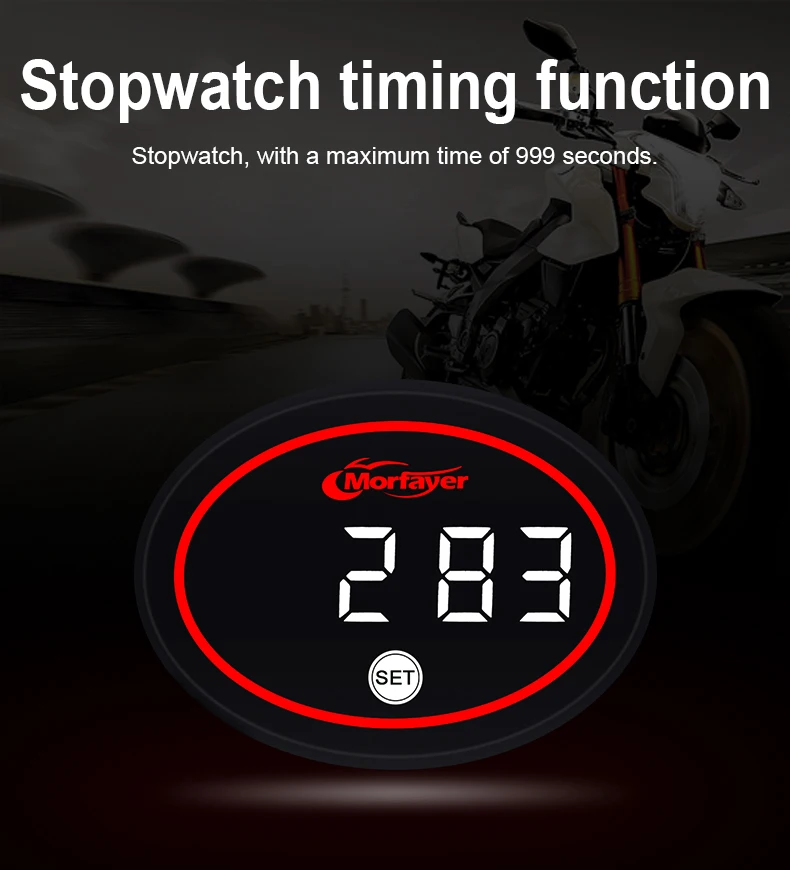
5.Seconds timer settingin the absence of anv operation. double-click SET to enter the timer interface. tap SET to starthe timer, and tap SET again when you need to pause,so that you can repeat. If you need tostart the timer again, just press and hold SET until thetimer clears and then let go to start thetimer from 0 again. lf you return to the main interface, simply press and hold the timer until youreturn to the main interface. When a parameter alarm occurs, the timer will not start.
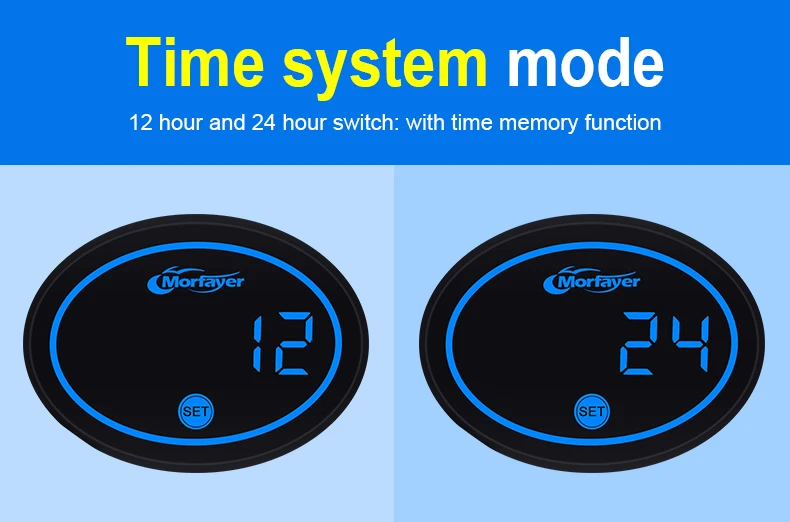
6.Time mode setting
Tap SET3 times, the word 24 appears, long press SET to switch 24-hour mode and 12-hourmode. The factory setting of the product is 24-hour mode.
Product features
Product features
Materials and care
Materials and care
Merchandising tips
Merchandising tips