


RAGEER M.2 SSD Cooler, Heavy Duty Aluminum Convection Heat Sink, NVME NGFF Cooler, Passive Heat Sink with 38 Fins - FrostBlade 1
RAGEER M.2 SSD Cooler, Heavy Duty Aluminum Convection Heat Sink, NVME NGFF Cooler, Passive Heat Sink with 38 Fins - FrostBlade 1
SPECIFICATIONS
Brand Name: RAGEER
Choice: yes
Function 1: 2280 SSD Aluminum Heat Sink
Function 2: NGFF/NVMe SSD Heat Sinks
Function 3: 38 Fins
Function 4: M.2 Heatsink
Function 5: 38℃ Decrease Max
Function 6: For 2280 SSD
Function 7: Full Aluminum
High-concerned chemical: None
Material: aluminum
Model Number: RAL01
Origin: Mainland China
Type: M.2 SSD Cooler
semi_Choice: yes
【Designed for desktop computers】: JEYI M.2 SSD heatsink has high-quality compatibility. Fit for Samsung 860 EVO, 960 EVO, 970 EVO, 970 Pro,980 EVO, 980 Pro, etc.
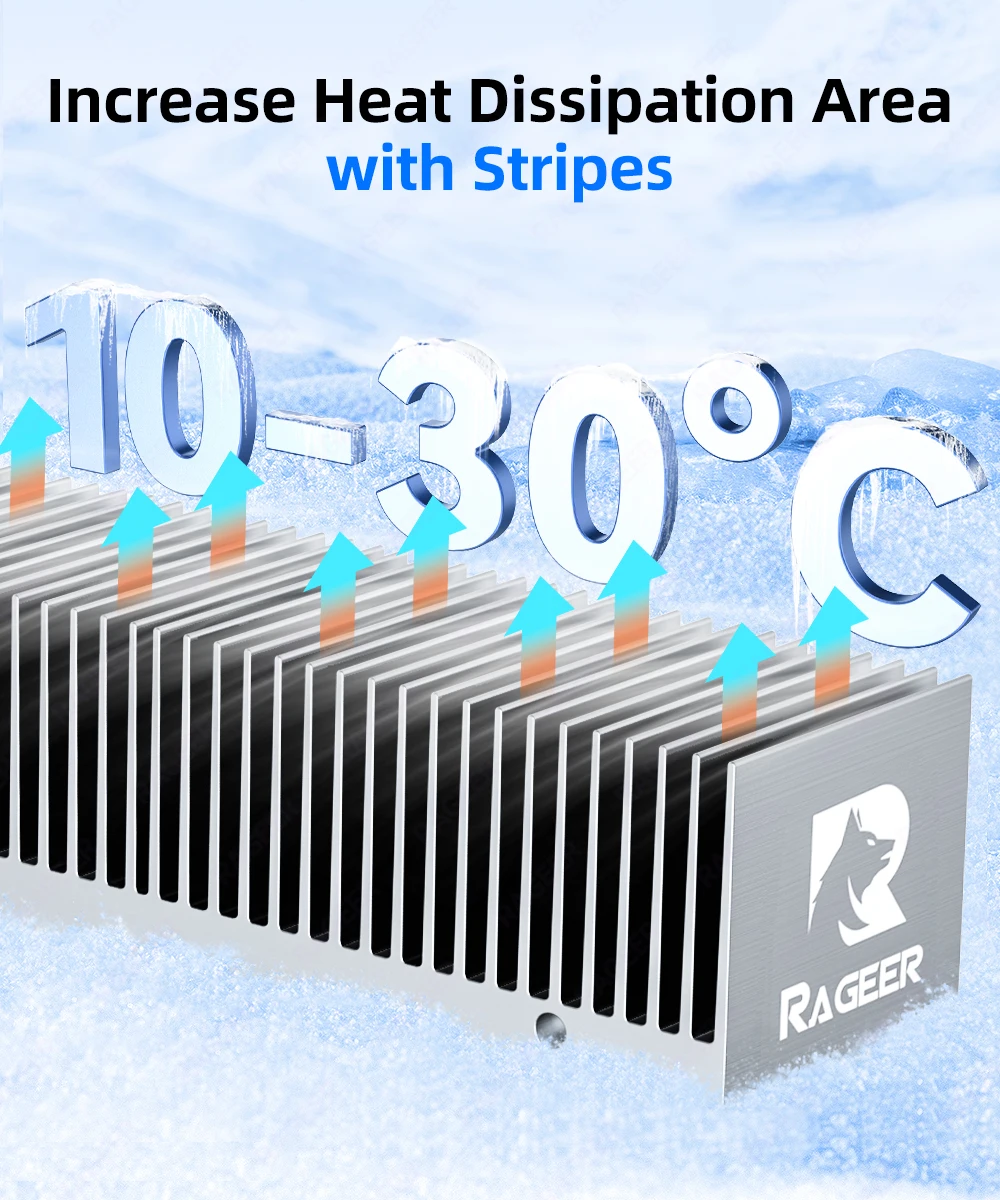
【Cooling】: With a cooling effect of 10 ℃-30 ℃ (varies depending on the environment), 65 times larger surface area than traditional heatsinks the M.2 2280 SSD 38 Passive Heat Sink with 38 Fins is cooled to a safe temperature to avoid overheating and throttling, thereby improving the performance of the computer.
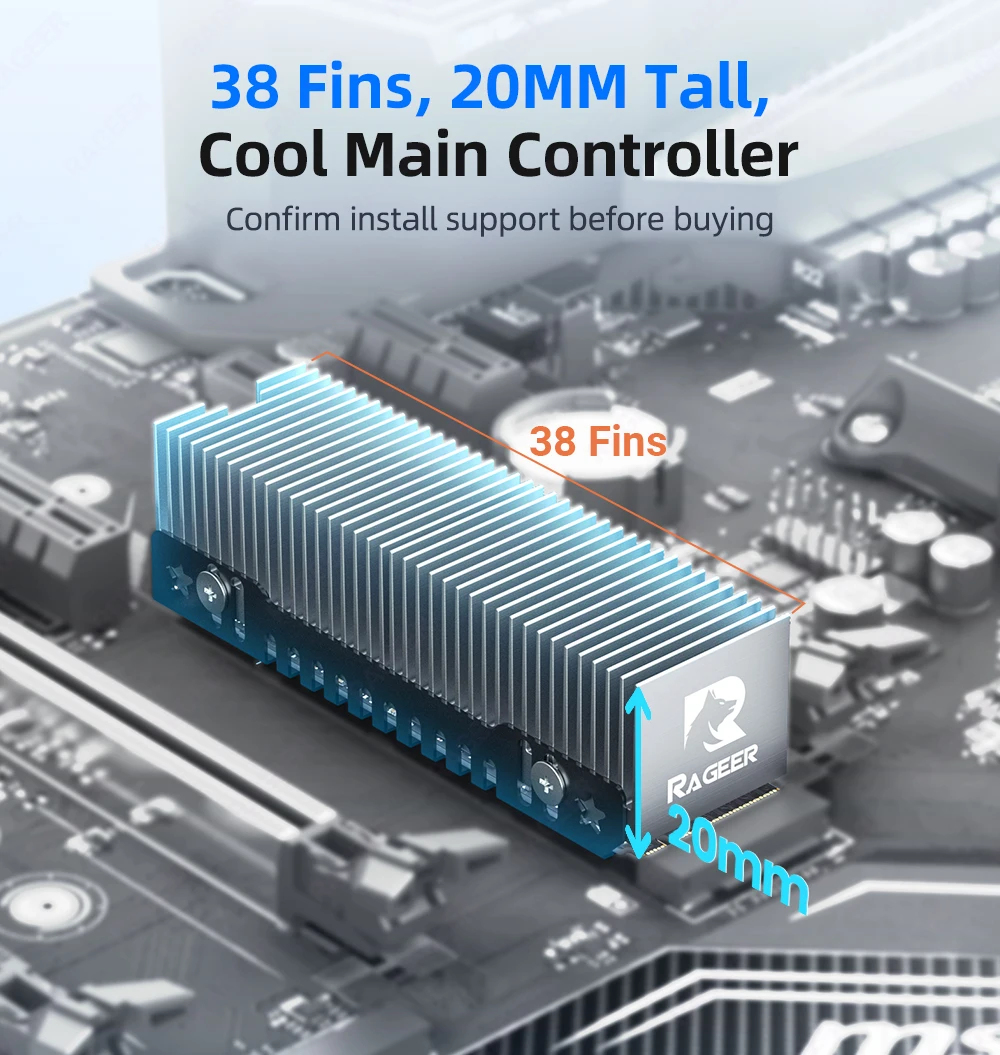
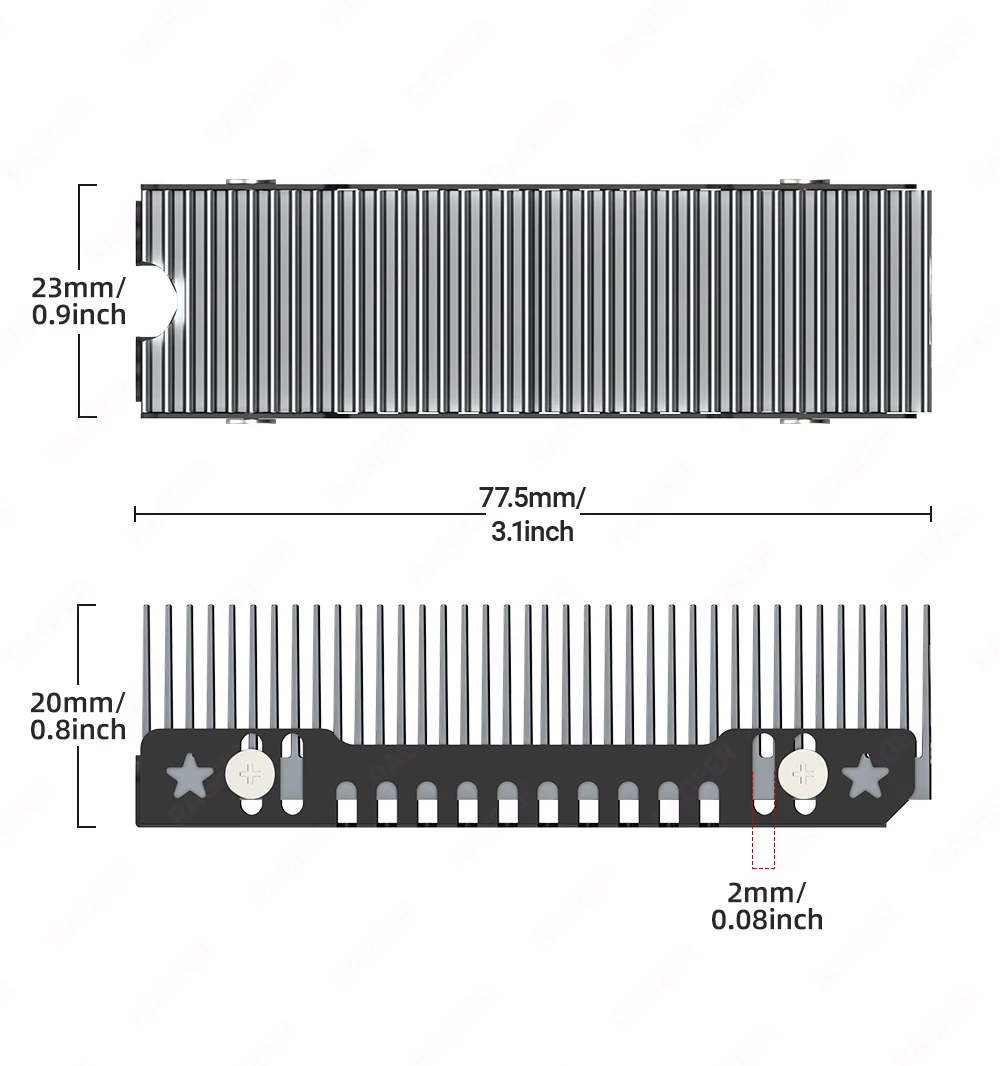
【Material】: Main material: magnesium-aluminum alloy, silver plated (helps to eliminate static electricity), anodized surface treatment. Dimensions: 77.5mmx23mmx20mm
【Durability】: The oxidation of magnesium-aluminum alloy greatly improves the corrosion resistance, hardness, wear resistance, insulation and heat resistance of the cooler, and extends its service life.
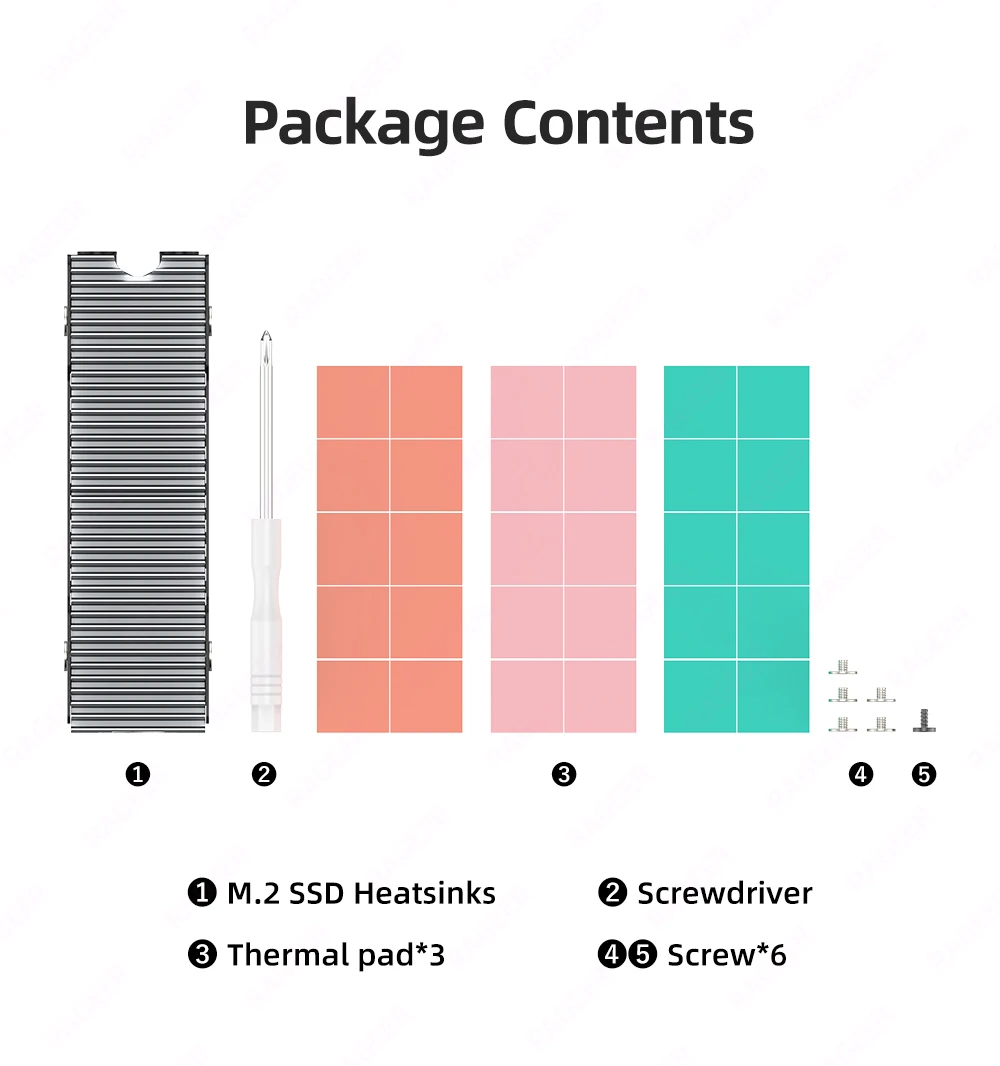
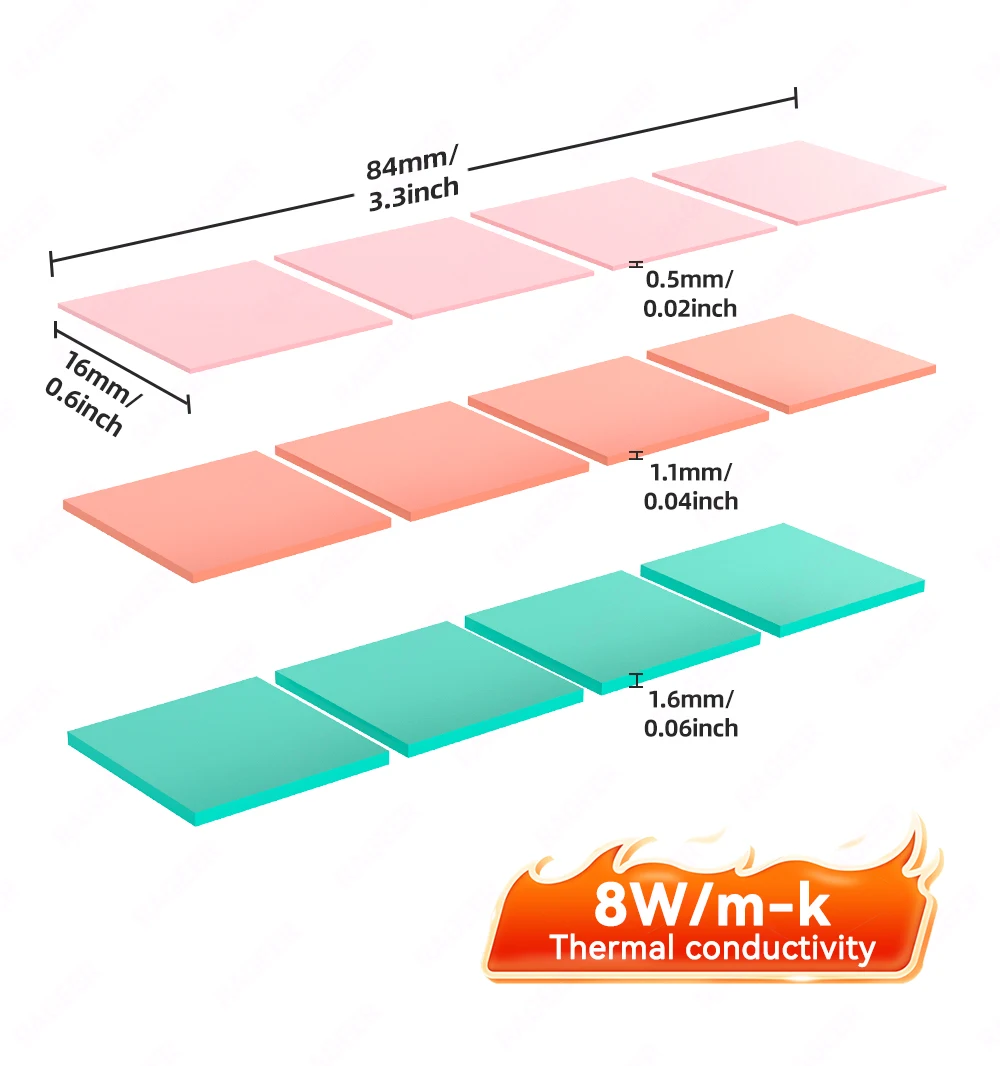
【Accessories】: The heat sink has a screw-fixed frame and included two high-conductivity thermal compound pads that can fill the contact gap of the SSD. When the screws are tightened, the heat dissipation of the SSD will be faster, and the soft thermal compound pads can make the solid heat sink base gently touches the SSD without damagi.
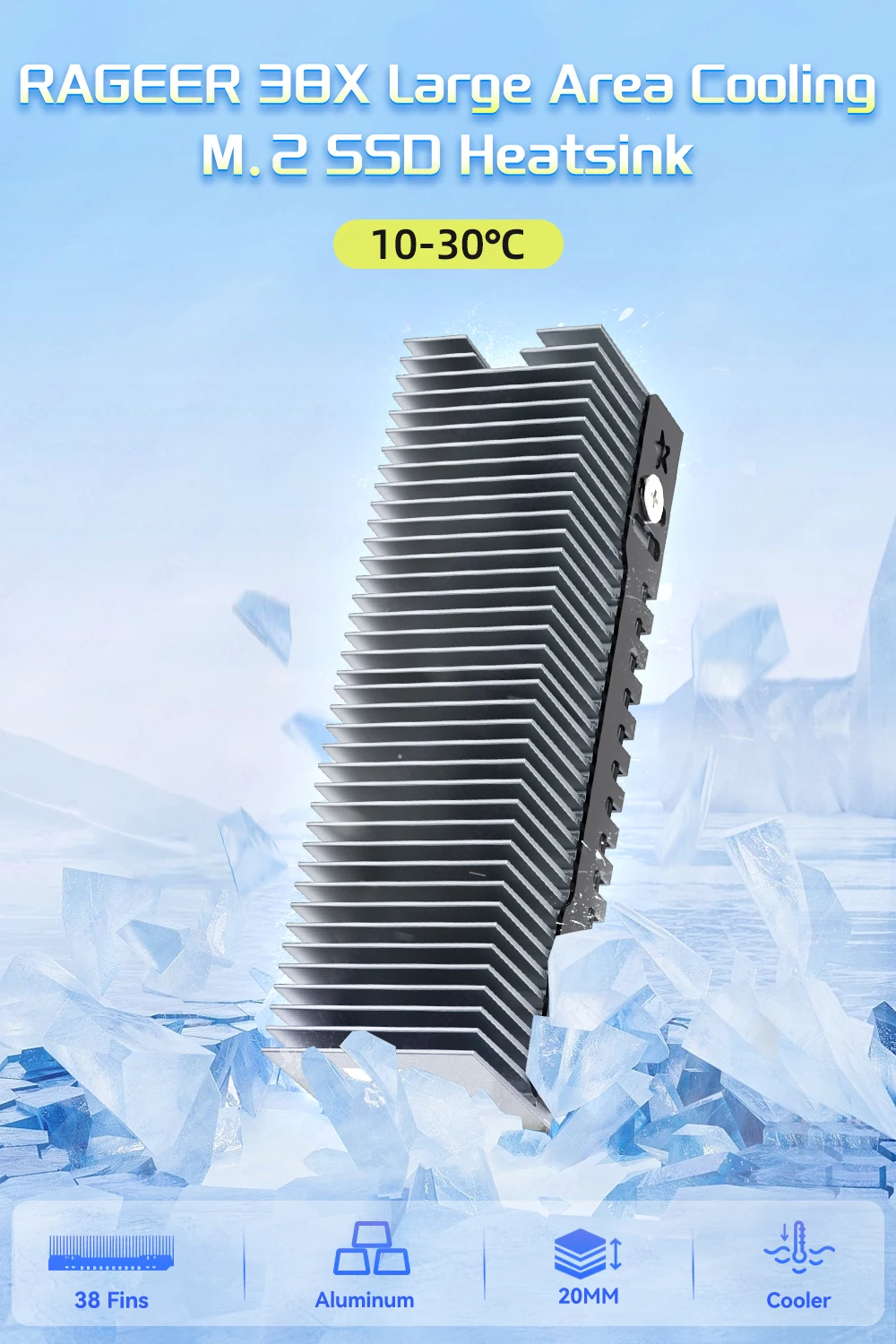
RAGEER 38Fins Large Area Cooling
M.2 SSD Heatsink
Increase Heat Dissipation Area with 38 Fins
Aluminum Design
Consumption of heat without noisy fans or liquid cooling

High Heat Dissipation

38 Fins, 20MM Tall Cool Main controller
Confirm install support before buying
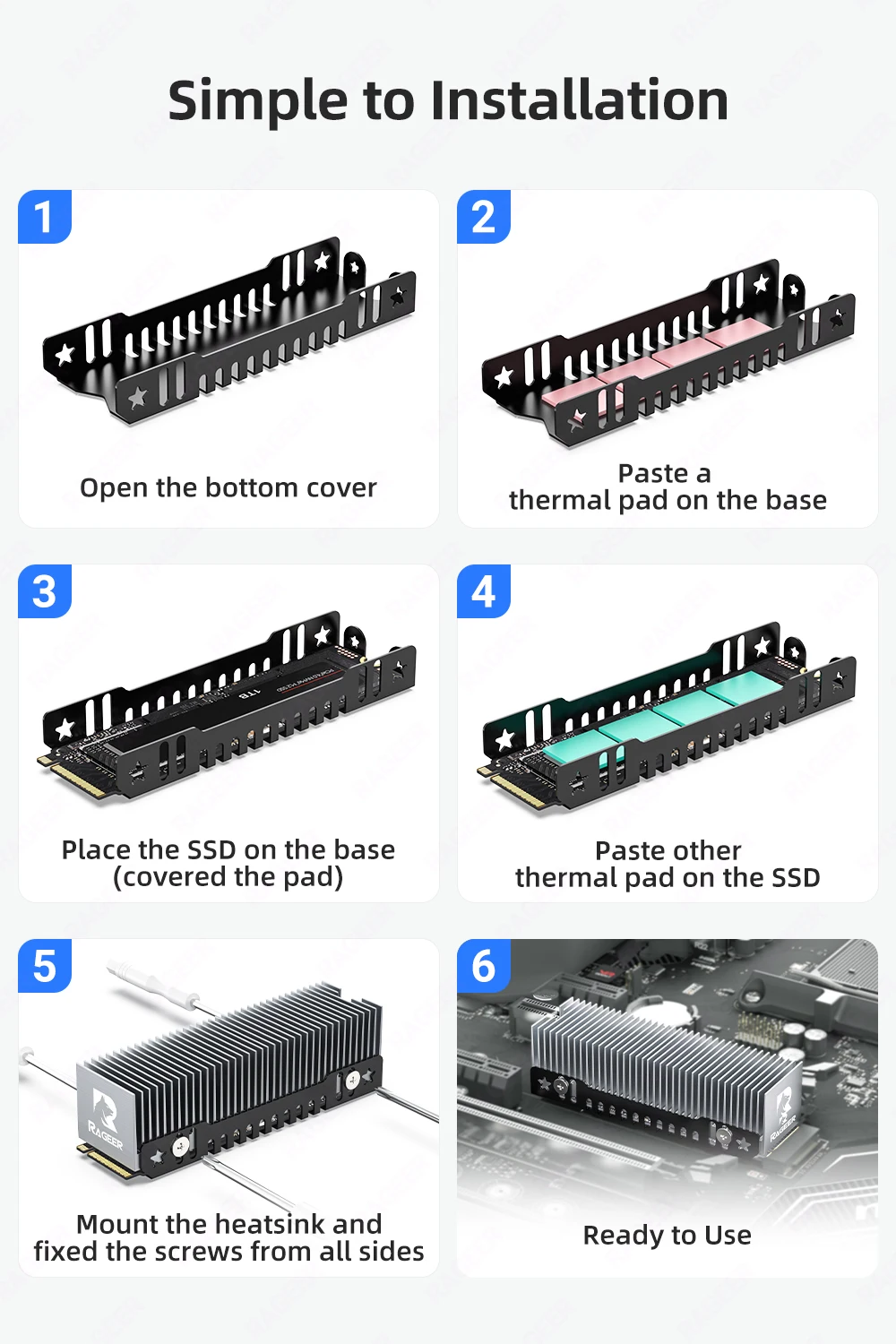
Simple to Installation
1.Open the bottom cover
2.Paste a thermal pad on the base
3.Place the SSD on the base(covered the pad)
4.Paste other thermal pad on the SSD
5.Mount the heatsink and fixed the screws from all sides
6.Ready to Use

Product features
Product features
Materials and care
Materials and care
Merchandising tips
Merchandising tips


